iPhone 7 Plus and iPhone 8 Now Considered Vintage
Apple today updated its vintage and obsolete products list to add devices that will get more limited service and repairs now that they are considered outdated.
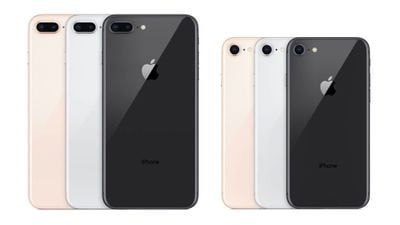
The iPhone 7 Plus and two iPhone 8 models are now considered vintage. Apple added the 64GB and 256GB iPhone 8 models to the list, but it's worth noting that the 128GB model isn't included yet because it was sold for a longer period of time. The (PRODUCT)RED iPhone 8 models were already on the vintage list.
A device is considered "vintage" five years after it was last distributed for sale. Apple retail stores and Apple Authorized Service Providers (AASPs) are still able to offer repairs for vintage devices, but only if the required parts are available. If the parts aren't able to be obtained, iPhone 7 Plus and iPhone 8 users might not be able to get repairs.
Apple also moved the iPad Air 2 and the iPad mini 2 from the vintage list to the obsolete list. Apple's devices are considered "obsolete" seven years after they were last available for sale. Apple Stores and AASPs do not repair products that are obsolete and the parts are no longer provided by Apple.
Popular Stories
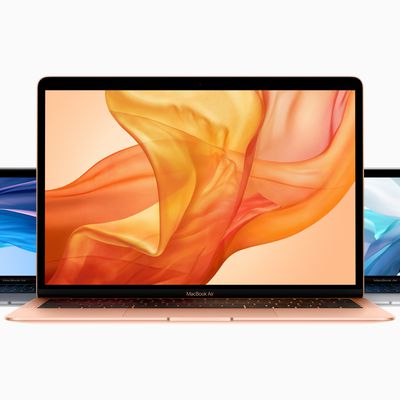
Apple today added three Macs to its list of obsolete products. The 2018 Retina MacBook Air, the 13-inch 2018 MacBook Pro with four Thunderbolt 3 ports, and the 13-inch 2017 MacBook Pro with two Thunderbolt 3 ports are now considered obsolete.
The three products were previously part of the vintage list, but have been moved. Apple adds a product to the vintage list when it's been five years...
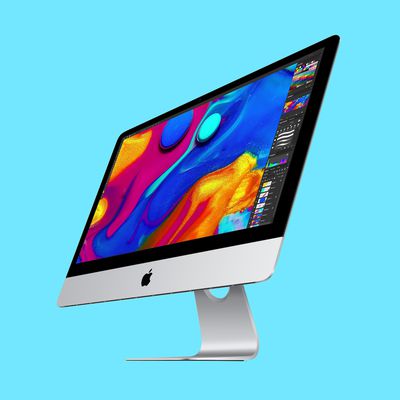
Apple today added the 2019 4K iMac to its list of vintage products, which means repairs can only be done if Apple has the parts available.
Products are added to the vintage list five years after they were last distributed for sale, and they're moved to the obsolete list at the seven-year mark. Vintage products can be repaired at Apple Stores and by Apple Authorized Service Providers if the...
Update 10:04 a.m.: iOS 27 is rolling out now, though it may take a bit for all users to see it, so keep checking!
Apple is about to release iOS 27, which will finally deliver more advanced Siri AI capabilities as well as a variety of other refinements, improvements, and new features to iPhones. It's Apple's biggest software update of the year, and Apple announced at Wednesday's iPhone event...