Google Chrome Gets Built-In Split View and PDF Annotations
Google has added three new features to the Chrome desktop browser, including split view for multitasking, PDF annotations, and a Save to Google Drive option.
Split view for Chrome is a built-in tool that supports using two tabs at the same time side-by-side. Google says that it provides a more streamlined, flexible way to work. There is a split view icon in Chrome that can be clicked to enter the new view.
With PDF annotations, the Chrome PDF Viewer can be used to highlight text, insert signatures, and add notes.
The Save to Google Drive feature is meant to make it easier for users to locate their downloads. PDFs can be saved to Google Drive from Chrome without redownloading and re-uploading them. Google Drive has a "Saved from Chrome" folder for downloaded files.
Popular Stories
Bloomberg's Mark Gurman has high expectations for Apple's first foldable iPhone.
In his Power On newsletter today, he said the foldable iPhone will be "the most significant overhaul in the iPhone's history."
"iPhone 4, iPhone 6 and iPhone X were clearly a big deal, but this is a whole new design," he said.
Like Samsung's Galaxy Z Fold 7, the foldable iPhone will reportedly open up like ...
iOS 26.5 is now available for developers, and while it doesn't include any new Siri capabilities, there are some major changes for the European Union, and smaller tweaks for features available worldwide.
Suggested Places
In the Maps app, there's a new "Suggested Places" feature that recommends locations to visit based on trending places nearby and recent searches. When Apple launches ads in ...
Apple has been celebrating its upcoming 50th anniversary by hosting surprise performances and other events around the world over the past few weeks, and now Bloomberg's Mark Gurman has revealed details about the company's grand finale.
In a social media post, Gurman said Apple's celebrations will conclude this week with a finale at its Apple Park headquarters for employees.
A special...
Popular Stories
Apple has asked Google to investigate setting up servers in its data centers to run a future version of Siri powered by Gemini, The Information reports.
Currently, Apple sends its more complex AI queries to Private Cloud Compute, a system that runs on Apple servers using Apple silicon chips. Today, only 10% of Apple's Private Cloud Compute capacity is said to be in use on average. The usage...
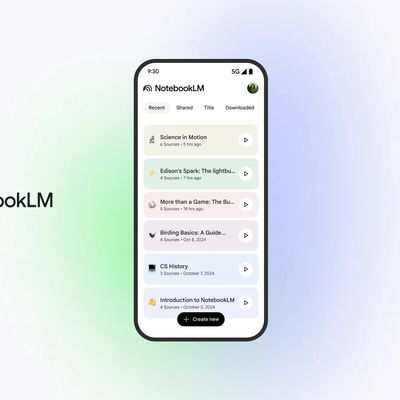
Google's NotebookLM AI-based tool can now turn your research and notes into fully animated "cinematic" videos – an advancement over its original video overview feature that was introduced last year.
Before now, video overviews were limited to generating slideshows of your research and writing, but the new Cinematic Video Overview feature uses Gemini 3, Nano Banana Pro, and Veo 3 models to...
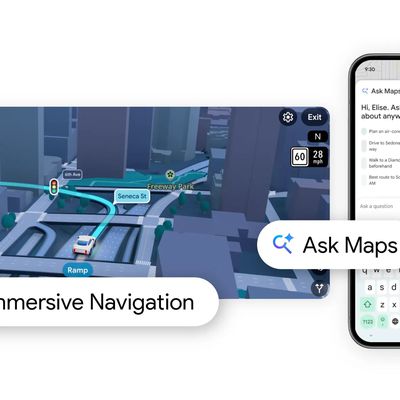
Google today added Gemini AI to Google Maps, enabling a new Ask Maps feature. Gemini in maps can answer complex, real-world questions that Google says "a map could never answer before."
There is a new Ask Maps button where Google Maps users can get answers to specific questions like "is there a public tennis court with lights on that I can play at tonight?" Google says that finding...