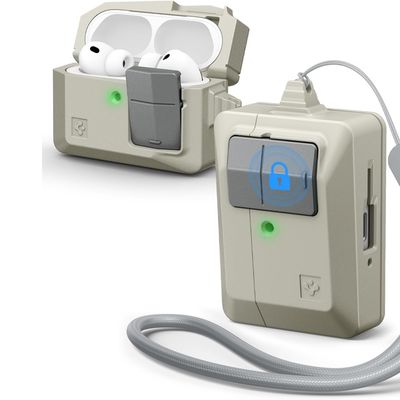
Apple's AirPods and AirPods Pro feature integrated touch controls and include beamforming microphones in each earpiece, which means you can answer incoming calls when you're wearing them and carry on a handsfree conversation. You can also hang up the call with your AirPods when the conversation is over. Here's how it works.

When you hear a ringing tone indicating an incoming call, simply double tap the outside of either AirPod to answer it. When you're finished, the action is the same -– just double tap an AirPod to hang up the call. That's all there is to it, though you may also want to enable a setting to have your AirPods announce who is calling. Instructions are available here.
Related Roundups: AirPods 4, AirPods Pro 3
Buyer's Guide: AirPods (Neutral), AirPods Pro (Buy Now)
Related Forum: AirPods