

With the most recent iOS 13.5 update, Apple has introduced a bug that is causing iPhone and iPad users to see "This app is no longer shared with you" when trying to launch an app.
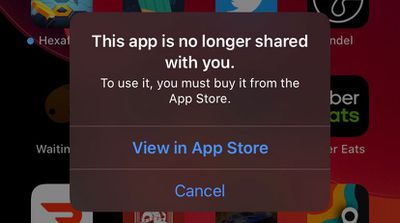
The initial fix that was described was to delete the app entirely and reinstall it. While this does prevent the issue, it also means you could lose any data, such as game progress, when doing so.
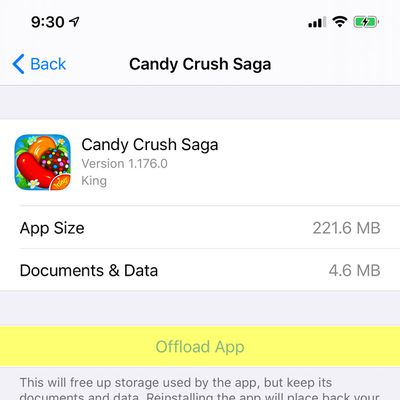
Fortunately, iOS does offer a way to redownload an app without losing any saved data. Follow these steps to restore your app without losing anything. For example purposes, we are using Candy Crush Saga.
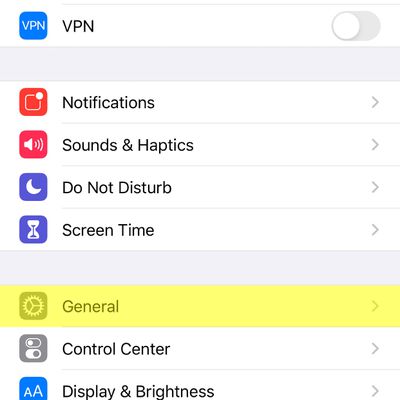
- Open Settings and tap on General

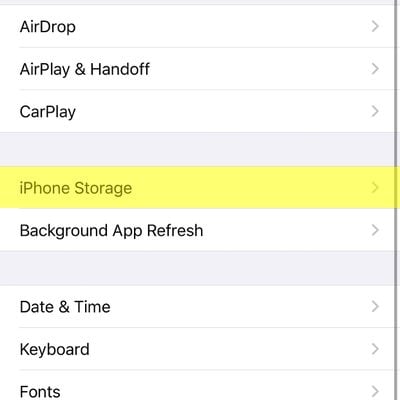
- Find and tap on iPhone Storage
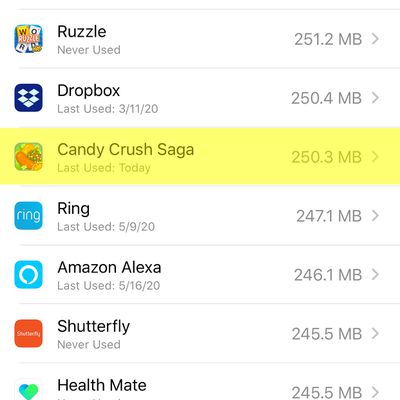
- Find and tap on the app you need to reinstall
- Tap on Offload App
- Tap on Reinstall App to redownload
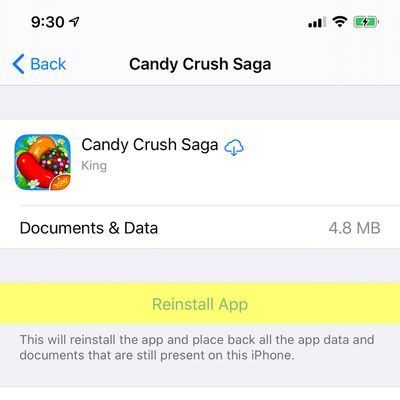
After that, the app should work without any loss of data.




















