The iMac G5 Sleep Light Update adjusts the brightness of your iMac G5 sleep indicator light so it's not as bright during the evening. The daytime brightness remains the same.
This update is installed in Applications > Utilities and should automatically launch. Click Update and follow the onscreen instructions to apply the update.
Note: Once the update has started, do not cancel or interrupt it. The updater takes over one minute to complete. During the update, your computer fans will run at full speed, but will return to normal once the update completes.
Sunday August 23, 2026 11:36 am PDT by Tim Hardwick
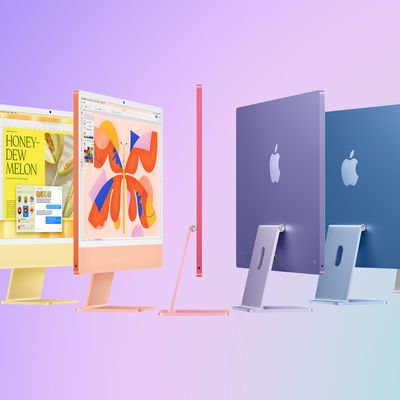
Apple is readying new iMac models with an upgraded chip and new color options, according to Bloomberg's Mark Gurman.
Writing in his latest Power On newsletter, Gurman says the new version is likely to be an updated 24-inch model with an M6 chip, replacing the existing M4 model that arrived in October 2024.
New colors are also said to be on the menu, though Gurman does not say what they...
Tuesday September 15, 2026 12:53 pm PDT by Juli Clover
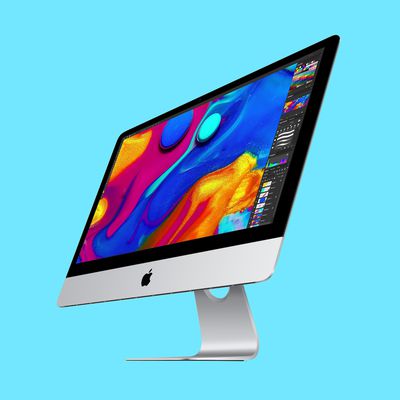
Apple today added the 2019 4K iMac to its list of vintage products, which means repairs can only be done if Apple has the parts available.
Products are added to the vintage list five years after they were last distributed for sale, and they're moved to the obsolete list at the seven-year mark. Vintage products can be repaired at Apple Stores and by Apple Authorized Service Providers if the...
Tuesday August 25, 2026 5:31 pm PDT by Juli Clover
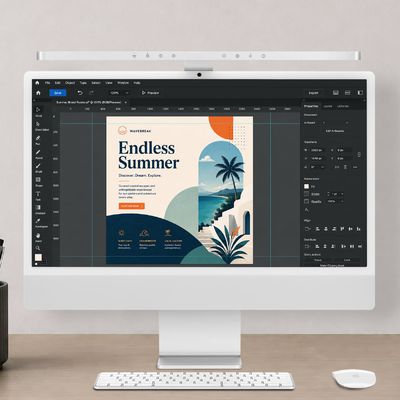
BenQ today announced the launch of the iScreenBar, which it says is the first monitor light bar built for the iMac.
The iScreenBar is meant to look like an extension of the iMac, offering desk lighting that does not clash with the iMac's design or block the camera or microphone. It's made from aluminum and lights an area of 33.5 by 19.7 inches at 500 lux. A glass touch panel is available for ...