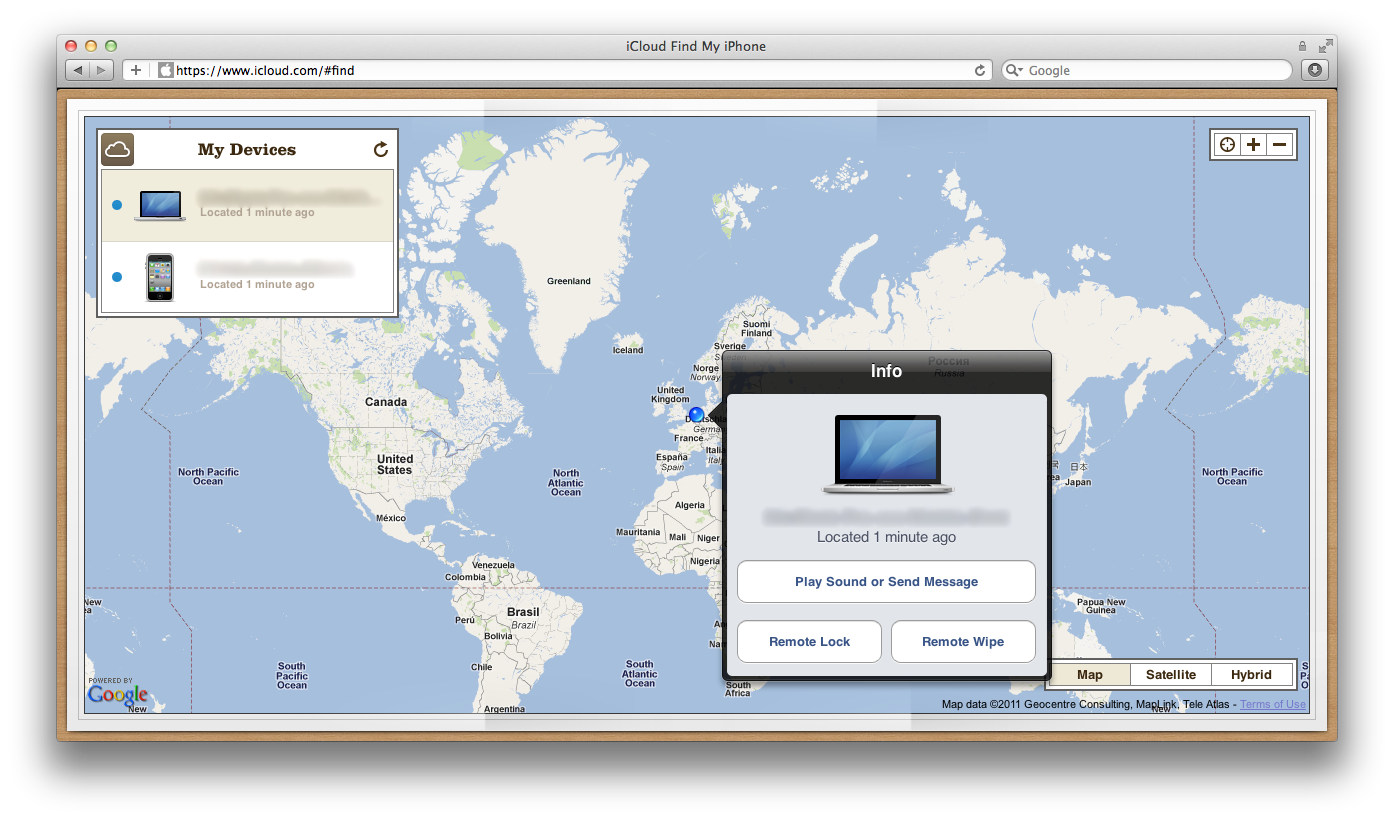
Find My Mac has gone live for developers beta testing Apple's iCloud service. Find My Mac was officially added to Lion in Developer Preview 4, released after WWDC in June, though evidence of the feature had leaked in prior releases.
Find My Mac is very similar to Find My iPhone, only because the Mac has no GPS functionality, it seems likely the feature relies solely on nearby Wi-Fi networks to determine the computer's location.
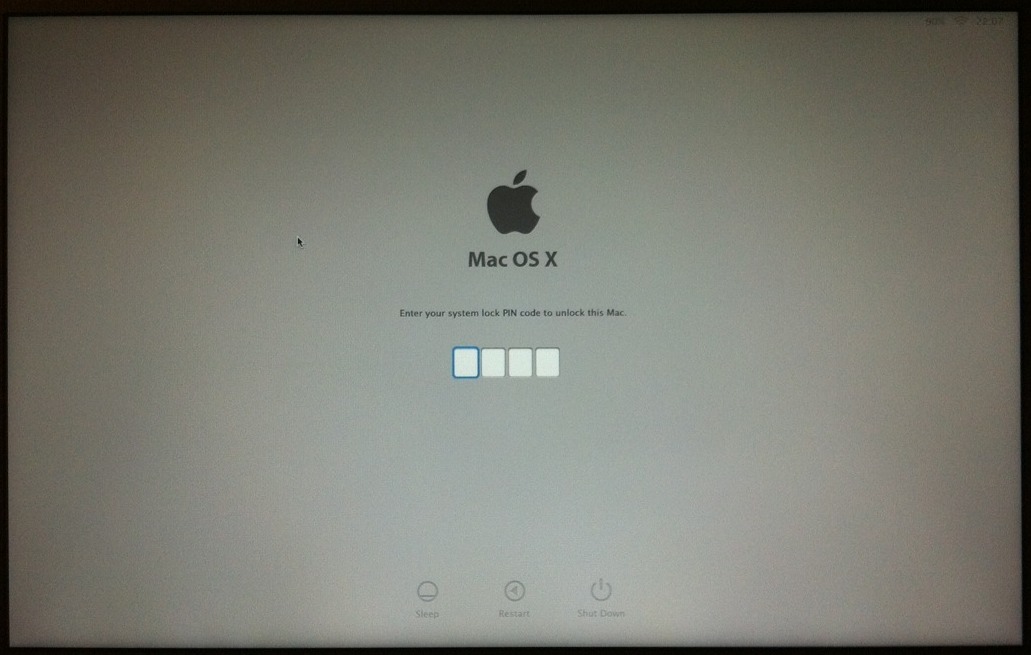
Once it finds the lost Mac, users can send a message, remotely lock the screen, or even wipe out the entire drive. Find My Mac may launch this fall with the general release of iCloud.
Sunday September 13, 2026 3:00 am PDT by Eric Slivka
Update 10:04 a.m.: iOS 27 is rolling out now, though it may take a bit for all users to see it, so keep checking!
Apple is about to release iOS 27, which will finally deliver more advanced Siri AI capabilities as well as a variety of other refinements, improvements, and new features to iPhones. It's Apple's biggest software update of the year, and Apple announced at Wednesday's iPhone event...
Monday September 14, 2026 9:00 am PDT by Joe Rossignol
Update — 10 a.m. Pacific Time: Apple has released iOS 27.
During its iPhone 18 Pro and iPhone Duo event last week, Apple announced that iOS 27 will be released widely on Monday, September 14.
iOS 27 should be available around 10 a.m. Pacific Time / 1 p.m. Eastern Time today via the Settings app, under General → Software Update.
Below, we have highlighted eight new features and...
Tuesday September 15, 2026 1:43 am PDT by Tim Hardwick
Apple today announced a new subscription initiative that turns paid iCloud+ subscriptions into a broader services bundle in more than 100 countries.
In select countries, Apple says every paid iCloud+ plan, including the cheapest 50GB tier, now includes Apple TV and Apple Arcade "at no additional cost," while family sharing extends the storage, TV and Arcade access to up to five people....
This sounds like a great feature, especially for college students who may have MacBooks that could be stolen quite easily. At least locating the computer could result in getting it back.
Find my Mac? Cool. LOL. Guess everyone should do a secure 3 write when selling their macs now.
Everyone should always do a 1-pass (Zero data) erase. I do a 7-pass anytime I sell a computer and a 1-pass when I buy it a pre-owned machine.
But seriously, this will be even better if 3G/4G/LTE is added to future MacBook Airs or Pros. I rarely take my MBP out of the house, but I can see this being helpful for students and those who are always on the move.
I wonder how easy it is to defeat a remotely locked Mac, such as putting it in target disk mode. Until I know more about how it works I wouldn't consider that a way to protect my data on a lost Mac. I'd wipe out the entire drive instead.
when you boot up, it goes straight to the passcode screen, i tried booting off disks, target disk mode, it won't accept it.