

How to Adjust the Resolution of the iPhone Simulator to 1136x640 - MacRumorsOpen MenuShow RoundupsShow Forums menuVisit ForumsOpen Sidebar
Skip to Content

How to Adjust the Resolution of the iPhone Simulator to 1136x640

by

Azu3PyMCUAAi6lNAfter reports that iOS 6's Springboard automatically adjusts to support the rumored 1136x640 resolution of the next iPhone, developer Cédric Luthi determined how accomplish that feat.

Earlier today, my friend Peter Steinberger asked if there is a way to tweak the iOS simulator device size. So I investigated, and found a pretty elegant solution. Without further ado, here is how to change the size of the iOS simulator in order to test your apps in resolutions never seen before.

The instructions are relatively simple, requiring the download of a small text file, and an editing of plist file. The hack is said to work on Xcode 4.4.1+ and the iPhone 5.1 Simulator with the iPhone (Retina) device.

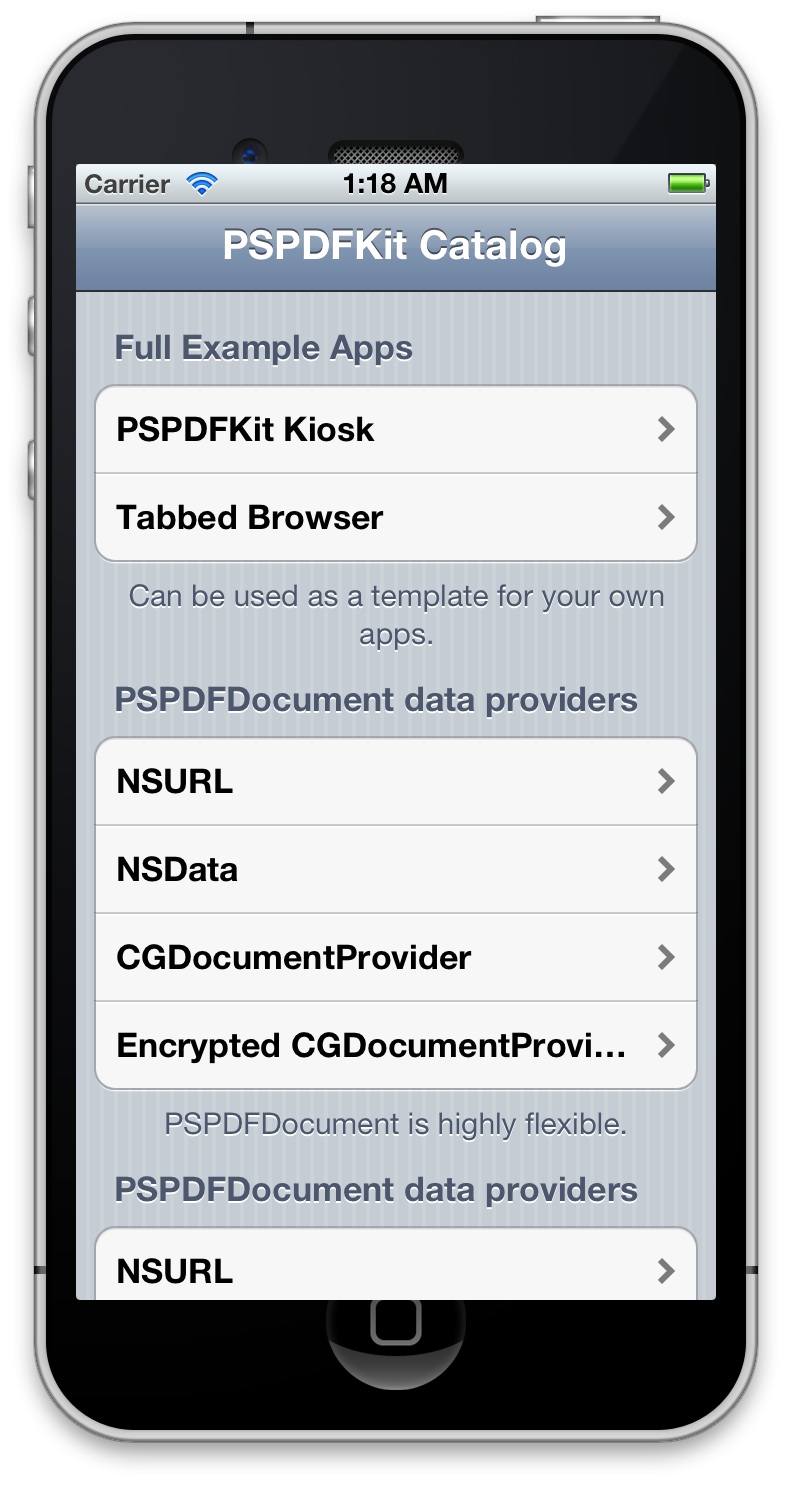
It seems that except for Springboard, developer's apps will only get the new size in iOS 5/5.1 with this hack. Screenshot of it in action (top right) by @steipete.


Top Rated Comments

arn Avatar
180 months ago
Post deleted by moderator
It's not a photoshop. It's a taller-than-normal app running in the iPhone simulator on a Mac. The overlap is because the iPhone frame is a fixed size, while the simulator has been hacked to be larger than expected.

arn

----------

Making the screen taller and not preserving the old resolution and aspect ratio is only one thing: retarded.

I cannot wait to enjoy stretched out games or black bars. /S
Will likely be black bars.

arn
Score: 9 Votes (Like | Disagree)
180 months ago
It's not a photoshop. It's a taller-than-normal app running in the iPhone simulator on a Mac. The overlap is because the iPhone frame is a fixed size, while the simulator has been hacked to be larger than expected.
Oh. Sorry... :o
Score: 5 Votes (Like | Disagree)
applesith Avatar
180 months ago
DEVELOPERS DEVELOPERS DEVELOPERS DEVELOPERS!!

Get those apps ready!!
Score: 5 Votes (Like | Disagree)
Reason077 Avatar
180 months ago
MacRumors content image

Here's another tip:

If you copy the entire "iPhone (Retina).deviceinfo" directory to another name, ie "iPhone (Tall).deviceinfo" you can set it up to easily switch between the standard and tall modes.

You just have to change the "displayName" and "Executable File" properties to match whatever you renamed the .deviceinfo to.
Score: 4 Votes (Like | Disagree)
180 months ago
How do we know 1136x640 is the resolution they're going for? Wouldn't it make more sense to have it 1280x720? They could call it iPhone HD :)
Score: 3 Votes (Like | Disagree)
180 months ago
Making the screen taller and not preserving the old resolution and aspect ratio is only one thing: retarded.

I cannot wait to enjoy stretched out games or black bars. /S
Score: 3 Votes (Like | Disagree)

Popular Stories

Apple Card iPhone 16 Pro Feature

Apple Card Promo to Offer Free AirPods Pro 3

Friday May 15, 2026 8:59 am PDT by
Starting as early as next week, customers who sign up for an Apple Card at Apple's retail stores in the U.S. will receive $249 cash back when they purchase AirPods Pro 3, according to Bloomberg's Mark Gurman. The promotion has yet to be officially announced by Apple, so exact terms and conditions are not available at this time. AirPods Pro 3 are priced at $249 in the U.S., so customers who...
airpods pro 3 pink

New Apple Card Holders Can Get Free AirPods Pro 3, But There's a Catch

Monday May 18, 2026 8:11 am PDT by
Apple today launched a new promotion offering new Apple Card holders the chance to earn back the cost of AirPods Pro 3 through monthly cash rebates, but there is a recurring spend requirement attached. Customers who open a new Apple Card account and purchase AirPods Pro 3 directly from Apple by June 15 will qualify. Starting July 1 and running through April 30, 2027, cardholders can earn $25 ...
wwdc apple park in person

Apple Announces WWDC 2026 Schedule, Sends Media Invites

Monday May 18, 2026 10:23 am PDT by
Apple today provided a schedule for its 2026 Worldwide Developers Conference, which starts on June 8 and ends on June 12. Apple also sent out invites to members of the media who have been invited to attend an in-person keynote viewing at Apple Park. Both the invites and schedule confirm that the keynote will begin at the standard time, 10:00 a.m. Pacific Time or 1:00 p.m Eastern Time....















