6 Gestural Interface Tricks to Try Out With Your New iPhone X - MacRumorsOpen MenuShow RoundupsShow Forums menuVisit ForumsOpen Sidebar
Skip to Content

6 Gestural Interface Tricks to Try Out With Your New iPhone X

by

Most iPhone X owners have had barely 48 hours to get to grips with Apple's new home bar-based user interface which does away with traditional home button functions, but the general consensus is that it becomes extremely intuitive to use after just a few hours. In this article, we've gathered some neat tips and gestural tricks for using iOS 11 on iPhone X that you may not have come across.
iphonexretinadisplay
Some of the tips listed below offer an alternative one-handed approach to gestures that typically require two hands, while others simply demonstrate a quicker way of interfacing with your iPhone X that Apple hasn't made explicit in its support literature. Hopefully at least one of them will be new to you and will help you get more out of your new smartphone.

Faster App Switcher Access

Apple's Guided Tour of the new iPhone X interface would have you believe that to access the App Switcher you must swipe upwards from the middle of the home bar and then pause for a moment, before swiping along to see your open apps.

Actually there's another, faster method you can try: simply swipe up from the home bar at a 45-degree angle towards the right of the screen and then let go, and the app switcher should move straight into view almost immediately. Granted, it's a tiny adjustment to the official way of doing things, but you'll probably find it a little speedier and more intuitive.


Quit Apps Quicker

At first sight, quitting apps from within the App Switcher seems to require two fingers: one to tap-hold the app, and another to tap the app card's minus button which the first action elicits. Thankfully though, the whole process can be performed with one hand by tap-holding and swiping up on the app as soon as the minus button appears.


Reach for Control Center

Accessing the Control Center on iPhone X is completely different to how it's done on older iPhones running iOS 11. Instead of swiping up from the bottom of the screen, users must swipe down from the top-right "ear", which requires another hand. The change is a curious one, given that Apple considered locating the Control Center at the right of the App Switcher, which looks more intuitive during one-handed use. Apple could always introduce this implementation as an option in a later version of iOS 11, but until then, Reachability is your friend.


To enable the setting in iOS 11.1, go to Settings -> General -> Accessibility, and turn on Reachability. Now simply swipe down from the gestural home bar to bring the top of the interface halfway down the screen, and you should be able to swipe from the top-right with your thumb to bring down Control Center.

This method can also be used as a quick way to check your battery percentage, or to see if your VPN is connected – just a small drag from the top-right reveals the information, without you having to invoke the Control Center wholesale.

Return to Last App

Swiping the home bar to switch between apps is a smart gesture that most iPhone X owners will have already grasped. But did you know that you can perform the same swipe action from the home screen to return to the last-used app? Simply drag your thumb right across the bottom of the dock, where the home bar usually appears.

Exit App Wiggle Mode

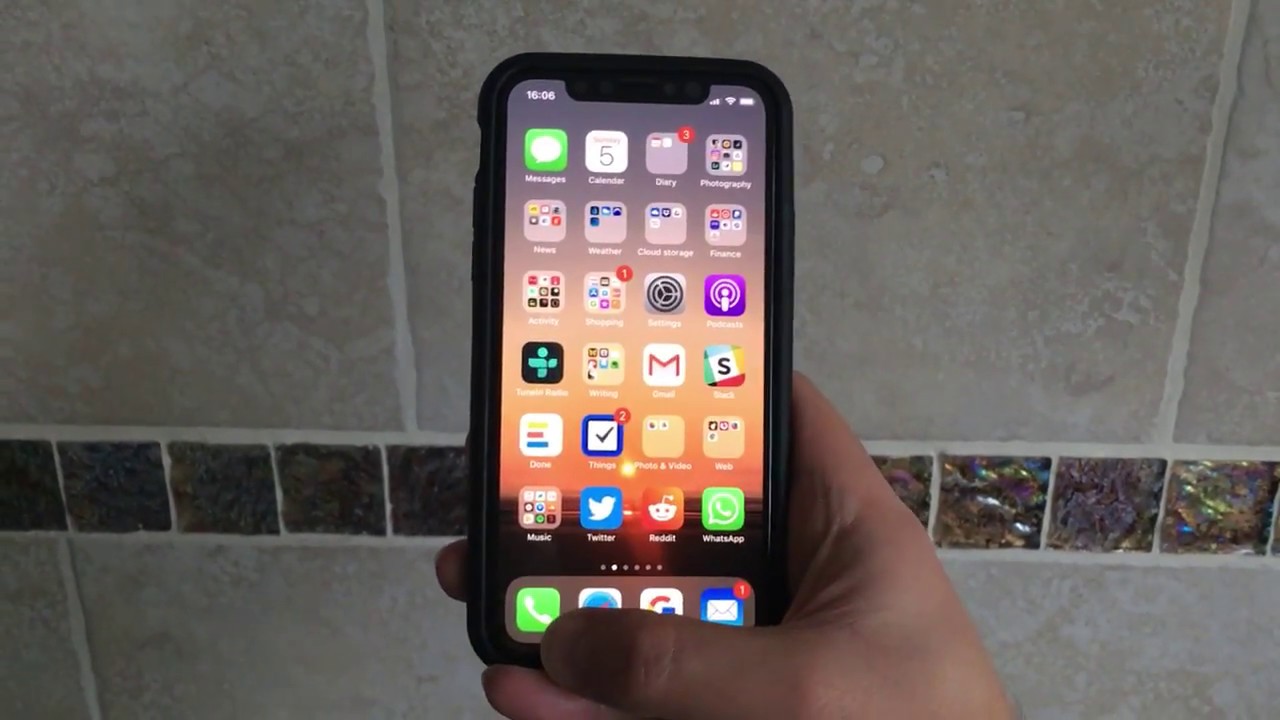
Holding an app on the home screen makes all apps wiggle, indicating that you can now re-locate or delete them individually. With no home button to turn "wiggle mode" off, Apple added a "Done" button to the top-right on the screen. But you don't have to raise your other hand to tap it and exit wiggle mode – just swipe up from the bottom of the dock instead.


Instant Siri Search

This last one is less a new gesture, and more a combination of two, the latter of which has existed since iOS 9. Whenever you're in an app and want to do a quick search, swipe up from the home bar, release for a split second, then immediately swipe down again from the middle of the screen. (Note: this action won't work if the app you're using is located in a folder.)

This is a particularly useful swipe combo given that in iOS 11 you can now search both your iPhone and the web, with Siri offering autocomplete options similar to how it does when you perform a search in Safari. Finally, to exit the Siri Search window and return to the app you were just using, simply swipe right across the bottom of the screen.


For a screen recording of every video above in action, click here. Know of any more neat UI tricks for iPhone X? Let us know in the comments below.


Related Forum: iPhone

Top Rated Comments

sniffies Avatar
118 months ago
Here's a graphic I created showing App Switcher access in a much much faster and more intuitive and 100% consistent way. Shhh, even Craig doesn't know about it ;)

And remember:

1. No pausing
2. No L-shaped gesture
3. No r-shaped gesture
4. No whatever-shaped gesture
5. No gesture at weird angles

Simply up! Boom and you're done!

MacRumors content image


My App Switcher graphic demonstrated in video

Both hands:


One hand:


More lesser-known gestures in this thread ('https://forums.macrumors.com/threads/a-collection-of-useful-and-lesser-known-gestures-for-iphone-x-guaranteed-to-make-your-life-easier.2084829')
Score: 18 Votes (Like | Disagree)
Cpsadowski Avatar
118 months ago
These videos would of been a lot more useful, had they included fingers showing the swipes instead of plain videos.
Score: 13 Votes (Like | Disagree)
118 months ago
love my iPhone X
Score: 8 Votes (Like | Disagree)
Rocketman Avatar
118 months ago
What's interesting to me about the iPhone ecosystem is it has large sociological impact. A computer in your hand and all that. But lesser considered is the changes in daily behaviour in how you interact with the device. When you have millions of people simultaneously changing habitual behaviour and in concert with each other, it gives them a sense of community of a style that has never existed before. Not religion. Not geography. Not politics. Behaviour. Discuss.
Score: 4 Votes (Like | Disagree)
_mdavenport Avatar
118 months ago
Thanks for the tips, these are great.

I’m enjoying most of the new gestures on iPhone X but the decision to move Control Center to the top right is bizarre. It completely breaks one-handed use. I wish they would put it in the app switcher, or do something like a 3D Touch on the “Home Bar” to invoke Control Center.
Score: 3 Votes (Like | Disagree)
118 months ago
The control center methods are terrible. I use the CC a lot and it seems :apple: half assed the effort.

Why not use 3D Touch in some way to invoke the CC? Or combine the CC with instant Siri search? Or at least put quick CC info such as battery %, Bluetooth, etc in the app switcher mode. :rolleyes:
Apple is basically in transition on the way to "intuitive" all screen navigation. I really wished that they broke with the current paradigm and introduced something radically new, but I guess, that would be too risky.

The home indicators gestures are a good first step, but "notification centre vs control centre" swipes are just plain awful (especially if they warrant the need for reachability). All of this non-immediate-app access needs better integration. Maybe improvements will come with iOS 12.
Score: 3 Votes (Like | Disagree)

Popular Stories

iOS 28 AI

Apple Taking New Approach to Developing iOS 28 and macOS 28

Sunday November 8, 2026 7:42 am PST by
Apple has made a change to its development process for iOS 28, macOS 28, and corresponding software updates, according to Bloomberg's Mark Gurman. In his Power On newsletter today, he said Apple separates development of each year's new operating systems into three major stages. Typically, he said each stage consists of four weeks of coding followed by a four-week "convergence" period where...
duo aquarium

More Fun iPhone Duo Apps: 30 New Picks to Try

Friday November 6, 2026 3:27 pm PST by
When the iPhone Duo launched, we shared a list of some of the fun apps developers created for the new form factor. Two weeks out, developers are continuing to come up with fresh ideas, so we thought we'd share some of our favorites. Games Marbles Unhinged ($2.99) - Marbles Unhinged is a marble maze designed for the Duo. When you fold it, the floor turns into a ramp. If you stand the top...
apple pro tell logo

Apple Launching Five New Products Today

Thursday November 5, 2026 12:59 am PST by
Apple is launching five new products on Friday, November 6, following pre-orders that opened last week, including its first touchscreen MacBook Pro models. The following new products will be available from today: iPad mini with OLED display and A20 Pro chip iMac with M6 chip 14-inch MacBook Pro with M6 chip 14-inch MacBook Pro with OLED touchscreen 16-inch MacBook Pro with OLED...
Latest Stories
macOS 27.2.1 Fixes eMudhra Certificate Flaw in Command-Line Tools
53 minutes ago
Anthropic Launches Claude Fable 5.2 and Mythos 5.2
2 hours ago
Apple Releases macOS Golden Gate 27.2.1
3 hours ago
Apple Releases iOS 27.2.1 With Bug Fixes
3 hours ago
Apple Releases watchOS 27.2.1 and visionOS 27.2.1 With Security Fixes
3 hours ago
Apple Watch Ultra 4 Gets $99 Amazon Discounts, Starting at $699.99
3 hours ago
Apple Pay Ad Features Martial Arts Convenience Store Food Fight
3 hours ago
Apple Continues to Say Some AI Features Will Have Fees for Extra Usage
4 hours ago
Apple Announces Türkiye Expansion Plans as Tim Cook Visits
5 hours ago
Singapore Saved Apple $2.7 Billion in Taxes This Year
5 hours ago
Apple Music's 2026 Artist of the Year is Olivia Dean
5 hours ago
This Could Be Your Last Chance to Pre-Order the HomeView at a Discount
6 hours ago
Some HomePod Mini 2 Buyers Returning Units Over Mac Speaker Issues
6 hours ago
MacBook Pro With PROLED XDR Display: Details You Might Have Missed
6 hours ago
Satechi Offers MacRumors Readers 30% Off Select Accessories in Early Black Friday Sale
6 hours ago
Leaker Envisions a Shorter iPhone With a New iOS Layout
7 hours ago
Apple to Give You More Control Over When Your Mac Passwords Lock
8 hours ago
Siri Is Getting a Better Memory
8 hours ago
iPhone 18e Could Feature Bigger Display and Battery
9 hours ago
Apple's Siri Boss May Leave - Here's Who Could Take Over
9 hours ago
Apple Launching Two More New Products This Friday
9 hours ago
Apple Store Subscription Sign-Up Controversy Exposed
18 hours ago
Siri AI Rumored to Become 'More Like an Agent' as Early as Next Year
1 day ago
Apple Taking New Approach to Developing iOS 28 and macOS 28
1 day ago
Early Apple Black Friday Deals on Apple Watch, MacBook Air, and More
2 days ago
'Backglow' Lets You Customize New MacBook Pro's Glowing Apple Logo
2 days ago
Top Stories: Apple Product Launches, iOS 27.3 Beta, and More
2 days ago
More Fun iPhone Duo Apps: 30 New Picks to Try
3 days ago
Hands-On With Apple's New OLED Touchscreen MacBook Pro
3 days ago
Apple Store With All-New Design Opening Soon in Southern California
3 days ago