macOS Catalina's Biggest Changes: What to Check Out After Upgrading - MacRumorsOpen MenuShow RoundupsShow Forums menuVisit ForumsOpen Sidebar
Skip to Content

macOS Catalina's Biggest Changes: What to Check Out After Upgrading

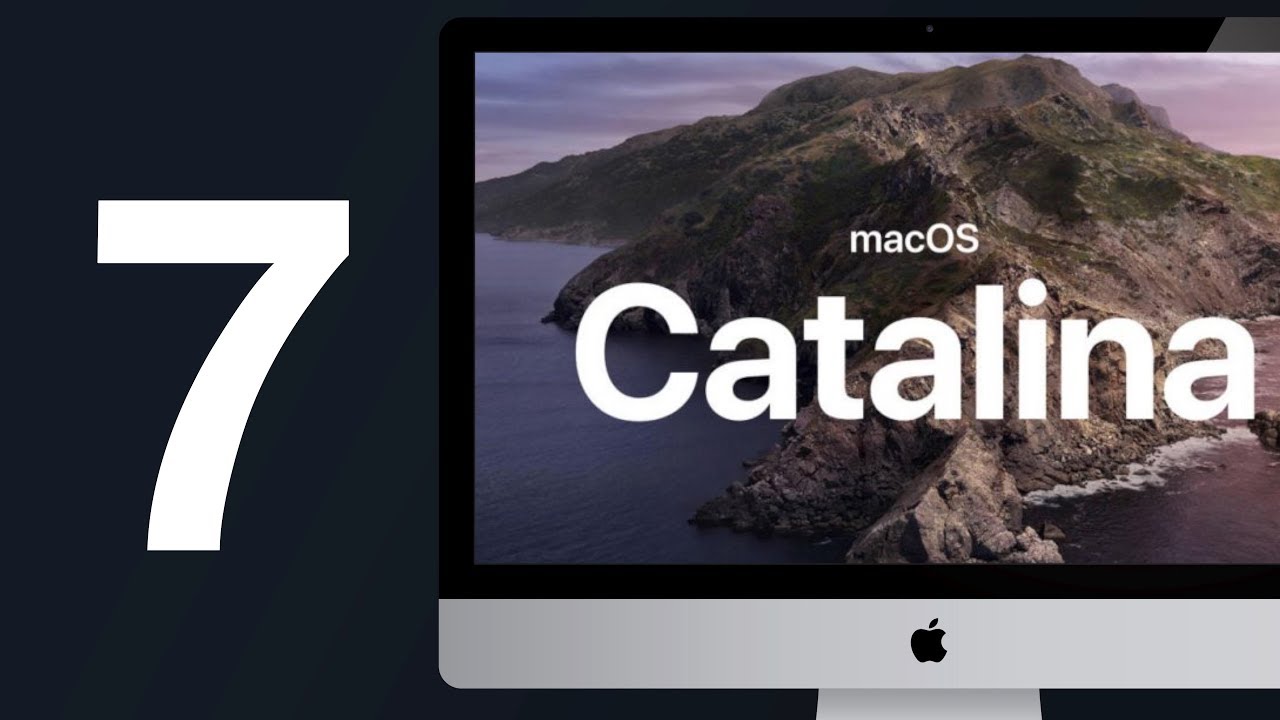
macOS Catalina, which came out on Monday, is the newest version of the operating system that runs on the Mac. Catalina brings some significant changes, including the removal of the iTunes app, a new Sidecar feature, an updated Find My app, and more.

In our latest YouTube video and in the article below, we're going to go over some must-know macOS Catalina features that will be useful to those who have just updated and want to familiarize themselves with the changes.
  • No More iTunes - Apple removed iTunes in macOS Catalina, splitting it up into three new apps: Music, TV, and Podcasts. These three apps offer all of the functionality that was previously in iTunes, so you can still get to your music library, access TV shows and movies you purchased, and listen to your favorite podcasts. You can still make iTunes Store purchases, too.
  • Finder Syncing - Since there's no iTunes app, you won't use iTunes to manage your devices that are plugged in. Instead, when you plug in an iPhone or iPad to your Mac, you'll see it in the left side of the Finder window where you can get to all the same controls you had in iTunes.
  • Apple Watch Password Authentication - You've long been able to unlock a Mac with an Apple Watch, but in macOS Catalina, the Apple Watch can also be used to authenticate passwords or approve app installations when you double tap on the Side button. This is especially handy on Macs that don't have Touch ID. Get to the settings by opening up System Preferences and choosing the Security and Privacy section.
  • Sidecar - ‌Sidecar‌ is a new feature in macOS Catalina that lets you use your ‌iPad‌ as a secondary display. The easiest way to activate ‌Sidecar‌ is to click on the AirPlay icon on the Mac. If you have a Sidecar-compatible ‌iPad‌, it will show up in the list of available devices. ‌Sidecar‌ is limited to newer Macs and on the ‌iPad‌, it only works with iPads that support the Apple Pencil. Make sure to check out our Sidecar guide for more info.
  • iPad Apps for Mac - Apple in macOS Catalina introduced new "Catalyst" developer tools that are designed to make it easier for developers to port their ‌iPad‌ apps to the Mac, which means you can expect some of your favorite iOS apps to be available on the Mac. Catalyst apps are still rolling out, but some high-profile options are already available like GoodNotes 5, Carrot Weather, HabitMinder, and more.
  • Find My - There's a new ‌Find My‌ app on the Mac, which brings a dedicated app for finding friends and devices for the first time. ‌Find My‌ combines ‌Find My‌ Mac and ‌Find My‌ Friends, so it's the one-stop shop for whatever you're looking for. ‌Find My‌ even lets you find your Mac when it's closed and has no WiFi connection by leveraging a Bluetooth connection to other iPhones and Apple devices that are nearby. The new ‌Find My‌ capabilities give you a better chance of finding a lost or stolen device.
  • No More 32-Bit Apps - macOS Catalina does not support 32-bit apps, which means some older apps might not work after upgrading. This mostly only applies to apps that haven't been updated in a long time, but it's still something that may take users by surprise. For more info, make sure to check out our 32-bit Mac app guide.

Many of the apps on the Mac have been overhauled with new features. Reminders, for example, has a whole new look and an easier to use interface, while Photos has a new view that organizes everything by day, month, or year. Notes lets you share folders for the first time, and there's a Picture by Picture option in Safari.

For a full rundown on all of the features that you'll find in macOS Catalina, take a look at our macOS Catalina roundup.


Related Forum: macOS Catalina

Popular Stories

apple pro tell logo

Apple Launching Five New Products Today

Thursday November 5, 2026 12:59 am PST by
Apple is launching five new products on Friday, November 6, following pre-orders that opened last week, including its first touchscreen MacBook Pro models. The following new products will be available from today: iPad mini with OLED display and A20 Pro chip iMac with M6 chip 14-inch MacBook Pro with M6 chip 14-inch MacBook Pro with OLED touchscreen 16-inch MacBook Pro with OLED...
duo aquarium

More Fun iPhone Duo Apps: 30 New Picks to Try

Friday November 6, 2026 3:27 pm PST by
When the iPhone Duo launched, we shared a list of some of the fun apps developers created for the new form factor. Two weeks out, developers are continuing to come up with fresh ideas, so we thought we'd share some of our favorites. Games Marbles Unhinged ($2.99) - Marbles Unhinged is a marble maze designed for the Duo. When you fold it, the floor turns into a ramp. If you stand the top...


silver iphone 18 pro

Apple Rumored to Drop the iPhone's Action Button Next Year

Friday November 6, 2026 6:07 am PST by
Apple plans to merge the iPhone's Action button with the Camera Control starting next year, according to the leaker known as "Instant Digital." In a new post on Weibo, the leaker claimed that a single press of the combined button would open the camera, while a long press would trigger the function assigned to the Action button. They explicitly clarified that the dedicated Action button would ...

Top Rated Comments

57004 Avatar
93 months ago
Pretty meh release from a user experience point of view for me as a power user (and using it for work heavily)... I'm not really interested in dumbed-down iPad apps on my Mac, nor the explosion of iTunes (which I never used) into multiple apps in my dock - though they're easily removed. Screen time is irrelevant to me (I don't get why adults need something that's basically a parental guidance tool to control themselves :)). On the UX side Mojave was much bigger for me with its dark mode and selectable accent colours.

But there's lots of goodness under the hood though! More security with read-only OS partition, single-sign-on plugins that fix the mess that SSO was on Mac (especially when apps start supporting it), managed Apple IDs for work, user enrolment (though it'll need another iteration to be actually useful).

Another negative though is the many added dialog boxes with apps asking for permission to send notifications. You totally get swamped with them after the upgrade (which is a bit stupid considering how Apple made fun of Windows Vista's frequent UAC popups ('https://www.youtube.com/watch?v=VuqZ8AqmLPY')). They should have just enabled all of the pre-existing apps by default (as it was under Mojave!) and let the user disable them if needed through the preferences panel. The same with the "<app> wants to access Documents" - if I didn't trust an app I wouldn't install it in the first place :rolleyes:. Really missing a "I know what I'm doing - stop bothering me" option - which incidentally Vista DID have :p
Score: 22 Votes (Like | Disagree)
maverick28 Avatar
93 months ago
My opinion of using Catalina for a couple of hours, compared to Lion, Mavericks and – the newest one I run – High Sierra: it is as beautiful as useless. Finder syncing UI sucks big time: I don't see anything what's on my iPhone unlike I was able to in the "bloated" iTunes. Could go on and on but I stop here. It's not an upgrade, it's a downgrade, so I upgraded by returning to High Sierra and sticking to triple boot with the other two OSes that I still use and that give me more usage benefits than this abomination of software. Real shame on Apple.
I don't give a dime about sidecars, screentime, catalyst crappy apps, Apple Watch link. This is not productivity.
Score: 18 Votes (Like | Disagree)
Apple Knowledge Navigator Avatar
93 months ago
Possibly the first OS since Lion that I’ve not been excited about. I mean they actually removed features from music, and the new Photos app is a step backwards from what was almost perfect.
Score: 12 Votes (Like | Disagree)
oldmacs Avatar
92 months ago

I like how the wallpaper flashes off and on three or four times as my 2012 mini is shutting down. Now that’s classy!
There is no more attention to detail.
I wish MacOS was on a two year release cycle...
Score: 11 Votes (Like | Disagree)
Bustycat Avatar
93 months ago
Surprised that so many people started to love iTunes, Dashboard and all of 32-bit apps since October 7.
Score: 10 Votes (Like | Disagree)
Queru Avatar
93 months ago
Best change for me - can’t use my Mac mini, can’t even downgrade properly to Mojave. It’s probably the time to finally jump ship.
Score: 9 Votes (Like | Disagree)
Latest Stories
Siri AI Rumored to Become 'More Like an Agent' as Early as Next Year
2 hours ago
Apple Taking New Approach to Developing iOS 28 and macOS 28
4 hours ago
Early Apple Black Friday Deals on Apple Watch, MacBook Air, and More
23 hours ago
'Backglow' Lets You Customize New MacBook Pro's Glowing Apple Logo
23 hours ago
Top Stories: Apple Product Launches, iOS 27.3 Beta, and More
1 day ago
More Fun iPhone Duo Apps: 30 New Picks to Try
2 days ago
Hands-On With Apple's New OLED Touchscreen MacBook Pro
2 days ago
Apple Store With All-New Design Opening Soon in Southern California
2 days ago
Control the Glowing Apple Logo on Your New MacBook Pro
2 days ago
Apple Shares New 'Apple Card: Apply and Use in Minutes' Ad
2 days ago
Apple Says More Than 100,000 Apps Optimized for iPhone Duo, Here's What's Still Missing
2 days ago
Early Black Friday Deals Kickoff With Steep Discounts on Apple Watch Ultras and More
2 days ago
The MacRumors Show: iOS 27.3 Looks Like a Huge Update
2 days ago
Best Buy's Black Friday Event Begins With Sitewide Savings on Apple, TVs, More
2 days ago
Apple Releasing Yet Another Two New Products Next Week
2 days ago
MacBook Air Drops to Lowest Price in Months With Amazon's $250 Discount
2 days ago
Apple Rumored to Drop the iPhone's Action Button Next Year
2 days ago
Apple's Extended Return Policy Now in Effect for 2026 Holiday Season
2 days ago
Apple Music Classical Updated With New Icon and Refreshed Design
2 days ago
OLED iPad Mini, M6 iMac, and New MacBook Pros Available From Today
2 days ago
Apple Surveys iPhone Duo Buyers About Crease and Camera
3 days ago
Apple's First Touchscreen Mac is Now Arriving to Customers
3 days ago
Claude Gets Personal Finance Feature With Bank Account Linking
3 days ago
Apple Arcade Adds Crossy Road Rush and NBA 2K27
3 days ago
Apple's New HomeView Smart Home Hub: Here's How Much RAM It Has
3 days ago
iPad Mini vs. iPad Air Buyer's Guide: Now Just $50 Apart
3 days ago
First iOS 27.3 and macOS Golden Gate 27.3 Public Betas Now Available
3 days ago
Apple Announces a New Mac Sales Record
3 days ago
Paid $200 for Logic Pro? Apple Says You Won't Get This New Feature
3 days ago
Instagram's Edits Video Editor is Now Available on Mac
3 days ago








































