TikTok Launches Support for Adding Songs to Apple Music Library
TikTok today launched its new "Add to Music App" feature with support for Apple Music, Spotify, and Amazon Music.

The feature allows users to directly save songs they find on TikTok to their preferred music streaming service library via an Add Song button located beside the track name at the bottom of a TikTok video. Users can also use the Add to Music App feature from an artist's Sound Detail page.
The first time a user presses the button, they will be asked to choose their preferred music streaming service and it will default to that service from then onwards. Any added songs will also be saved to a new playlist in the music app and users can select other playlists to add to if they wish. The Add to Music App feature is now available in the U.S. and UK, with more countries to follow.
Popular Stories
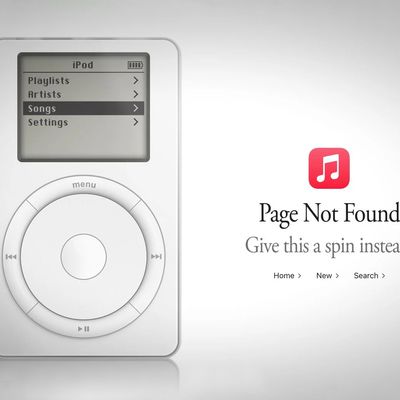
Apple Music has a 404 page easter egg on the web: a functional iPod that appears when you load a page that does not exist, such as music.apple.com/macrumors.
"Page Not Found," says Apple. "Give this a spin instead."
Apple is clever with this. If you navigate to music.apple.com/ipod instead, the page says "Looking for something?" instead of "Page Not Found."
The easter egg is only...
Following the introduction of a new Apple Music logo and app icon earlier this month, Apple today officially introduced Apple Music's new brand identity.
In a YouTube video shared today, Apple said the new Apple Music visuals were "made by sound." More specifically, Apple said it played a sound through a container of water, resulting in the liquid moving at the frequency of the notes. Apple...
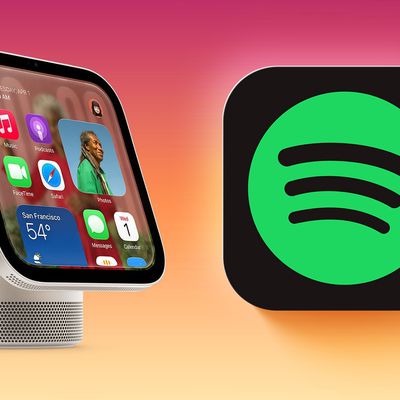
Apple's new HomeView smart home hub lacks an App Store, but it can still run some third-party audio and video apps that support CarPlay.
HomeView can automatically mirror CarPlay-enabled audio and video apps from a nearby, paired iPhone, with no modifications to the app required.
In a video shared on Mastodon, Broadcasts app developer Steve Troughton-Smith demonstrated what Spotify looks...