Apple on Monday seeded the first beta of tvOS 18.2 to developers for testing, and the upcoming update includes hidden code-level references to new screen savers coming soon, according to MacRumors contributor Aaron Perris.
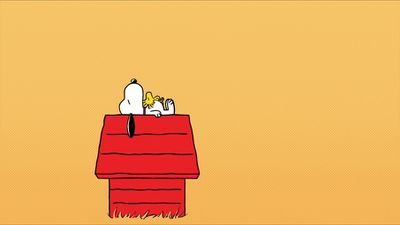
Snoopy
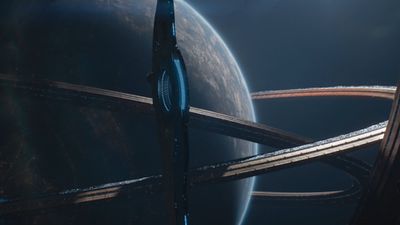
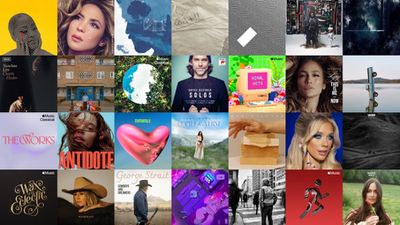
The code shows there will be four categories of screen savers added to the Apple TV, including Snoopy, TV and Movies, Music, and Soundscapes.
TV and Movies
Music
Soundscapes
The new screen savers will likely become visible in a later tvOS 18.2 beta version. Apple's website indicates that the Snoopy and TV and Movies options are "coming late 2024," and the Music and Soundscapes options will likely be available then too. We expect tvOS 18.2 to be released to the public in December, in line with the late 2024 timeframe.
At least some of the new screen saver options, including Snoopy, will require a second-generation Apple TV 4K or newer, according to Apple.
Existing screen saver categories on the Apple TV include Aerials and Memories, along with a Portraits option with clocks added in tvOS 18.0.
Tuesday September 15, 2026 1:43 am PDT by Tim Hardwick
Apple today announced a new subscription initiative that turns paid iCloud+ subscriptions into a broader services bundle in more than 100 countries.
In select countries, Apple says every paid iCloud+ plan, including the cheapest 50GB tier, now includes Apple TV and Apple Arcade "at no additional cost," while family sharing extends the storage, TV and Arcade access to up to five people....
Tuesday September 8, 2026 10:19 am PDT by Joe Rossignol
The next Apple TV 4K will be equipped with an A19 or A19 Pro chip, according to evidence in Apple's code uncovered by MacRumors contributor Aaron Perris. In particular, the device's model identifier points towards the A19 generation of chips.
Accordingly, the next Apple TV would have 8GB or 12GB of RAM, up from 4GB in the current 2022 model with the A15 Bionic chip. Other rumored upgrades for...
Apple today released the sixth public betas of iOS 27, iPadOS 27, tvOS 27, and macOS Golden Gate, allowing anyone with a compatible device to download and test the new software. The sixth betas come a week after Apple seeded the fifth betas and a few hours after the eighth developer betas.
You can get started by signing up on Apple's beta website and then opting in to the public beta by...
I don’t want any more useless categories. I just want to pick any screensavers I like. How hard is this? A simple list of all available screensavers (there are hundreds by now), with checkboxes to select them. That’s it.
But nope, here are a few categories to select one from, with a bunch of screensavers in it that I have no interest in. Great.


 Snoopy
 TV and Movies
 Music
Music Soundscapes