Apple Updates Keynote, Numbers, and Pages Apps With New Free and Paid Features - MacRumorsOpen MenuShow RoundupsShow Forums menuVisit ForumsOpen Sidebar
Skip to Content

Apple Updates Keynote, Numbers, and Pages Apps With New Free and Paid Features

Apple today updated its Keynote, Numbers, and Pages apps with many new features across the iPhone, iPad, and Mac, but some of the additions are limited to users that are subscribed to the new Apple Creator Studio bundle that launched today.
Apple Creator Studio iWork suite
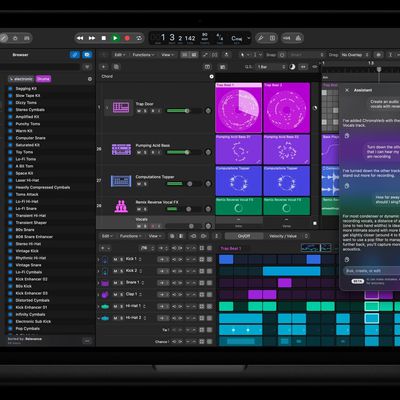
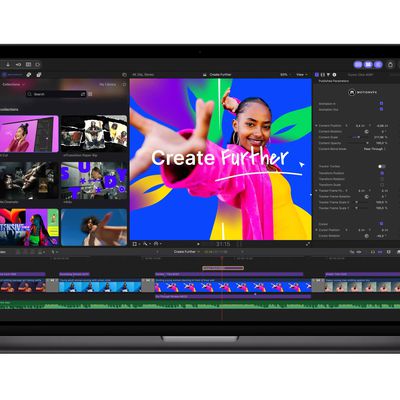
Apple Creator Studio is a subscription bundle that provides access to the Final Cut Pro, Logic Pro, Pixelmator Pro, Motion, Compressor, and MainStage apps on Mac and/or iPad, with U.S. pricing set at $12.99 per month or $129 per year.

A subscription to Apple Creator Studio also unlocks "intelligent features" and "premium content" in apps like Pixelmator Pro, Numbers, Pages, Keynote, and later Freeform.

On the iPhone and iPad, existing Keynote, Numbers, and Pages users will see updates to the apps in the App Store that contain both the free new features for everyone and paid new features for Apple Creator Studio subscribers.

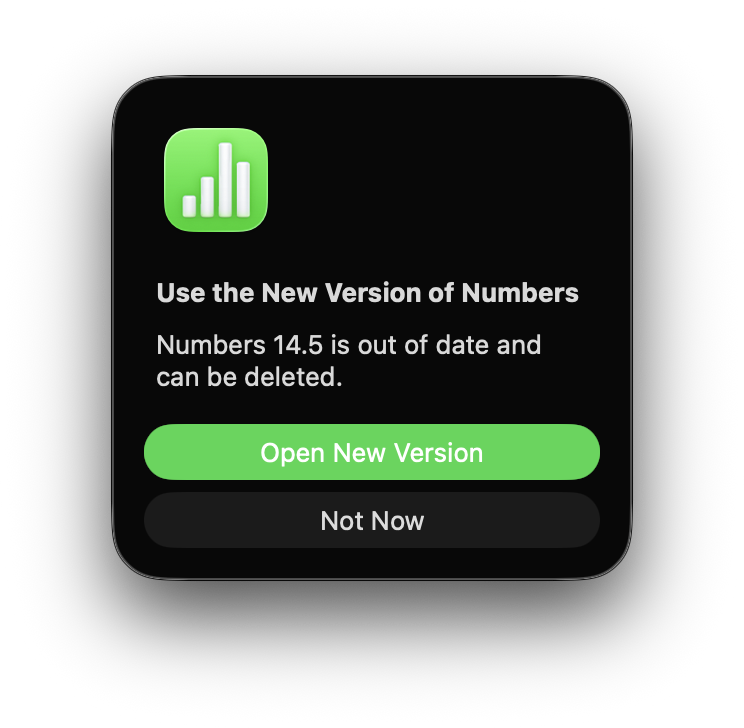
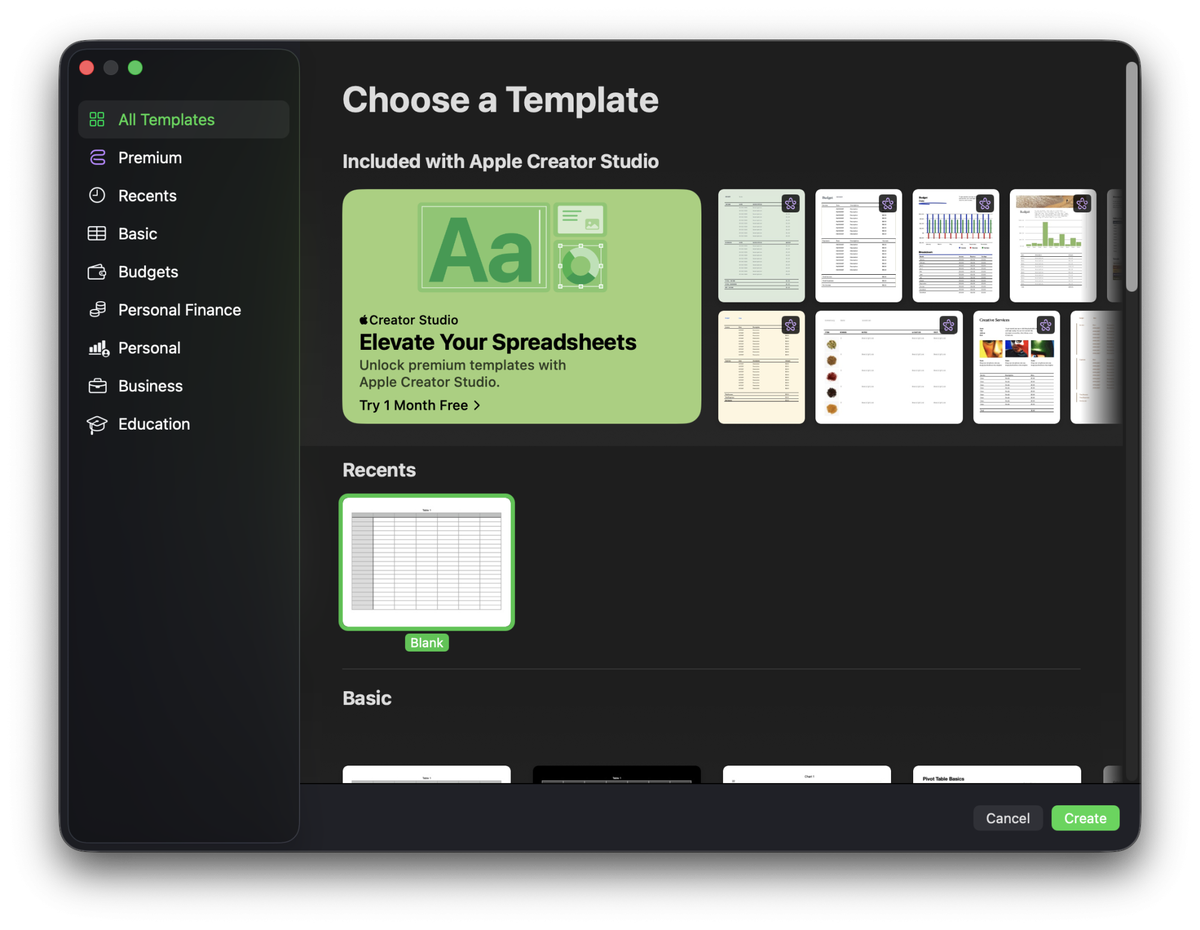
On the Mac, the existing Keynote, Numbers, and Pages apps were updated (to version 14.5), but only to inform users that those existing apps will no longer be receiving new features of any kind. To receive new features, including free ones, you must install the new, separate Apple Creator Studio editions (version 15.1) of the apps.

Apple also updated the Keynote app on watchOS and visionOS.

Here is what is new in the Keynote app for all users:

• Experience a new, more fluid way to work on your presentations with Liquid Glass
• Access the full set of advanced options and controls right from the new menu bar in iPadOS 26
• Make text and other objects pop with extra brightness and vibrant color using HDR on supported displays
• Add personality to your work with new editable shapes

Here is what is new in the Keynote app for Apple Creator Studio subscribers:

• Make your work stand out with an exclusive new collection of professionally-designed themes
• Explore high-quality photos, graphics, and illustrations for your presentation in the all-new Content Hub
• Find inspiration faster with collections of new Apple-curated content in the Content Hub
• Create stunning images and graphics right in your document, apply quick edits, or adjust the style using AI
• Increase the clarity and detail of existing images and graphics using Super Resolution
• Use Auto Crop to generate suggestions for how to frame your image
• Transform a text outline into a first draft of slides for a new or existing presentation (beta)
• Automatically generate presenter notes based on context from your presentation (beta)
• Quickly clean up your slide’s layout, spacing, alignment, and typography (beta)
• Collaborate on larger files shared via iCloud–now up to 4GB

Here is what is new in the Numbers app for all users:

• Experience a new, more fluid way to work on your spreadsheets with Liquid Glass
• Access the full set of advanced options and controls right from the new menu bar in iPadOS 26
• Add personality to your work with new editable shapes

Here is what is new in the Numbers app for Apple Creator Studio subscribers:

• Make your work stand out with an exclusive new collection of professionally-designed templates
• Explore high-quality photos, graphics, and illustrations for your document in the all-new Content Hub
• Find inspiration faster with collections of new Apple-curated content in the Content Hub
• Create stunning images and graphics right in your document, apply quick edits, or adjust the style using AI
• Increase the clarity and detail of existing images and graphics using Super Resolution
• Use Auto Crop to generate suggestions for how to frame your image
• Use Magic Fill to suggest data or generate formulas based on pattern recognition
• Collaborate on larger files shared via iCloud–now up to 4GB

Here is what is new in the Pages app for all users:

• Experience a new, more fluid way to work on your documents with Liquid Glass
• Access the full set of advanced options and controls right from the new menu bar in iPadOS 26
• Add personality to your work with new editable shapes

Here is what is new in the Pages app for Apple Creator Studio subscribers:

• Make your work stand out with an exclusive new collection of professionally-designed templates
• Explore high-quality photos, graphics, and illustrations for your document in the all-new Content Hub
• Find inspiration faster with collections of new Apple-curated content in the Content Hub
• Create stunning images and graphics right in your document, apply quick edits, or adjust the style using AI
• Increase the clarity and detail of existing images and graphics using Super Resolution
• Use Auto Crop to generate suggestions for how to frame your image
• Collaborate on larger files shared via iCloud–now up to 4GB
Popular Stories

Logic Pro Intelligent Assistant

Paid $200 for Logic Pro? Apple Says You Won't Get This New Feature

Thursday November 5, 2026 9:51 am PST by
According to Apple's full release notes for version 13.0 of Logic Pro for Mac, released today, the new AI-powered Intelligent Assistant feature requires an Apple Creator Studio subscription for $12.99 per month or $129 per year. In other words, the feature is not available in the $199.99 one-time purchase version of Logic Pro. Apple's fine print on the Logic Pro release notes page:The...
Apple Creator Studio Final Cut Pro MotionVFX 261027

Apple Updates Creator Studio With New Tools and AI Features

Tuesday October 27, 2026 6:36 am PDT by
Apple today announced a new update to its Creator Studio suite of apps, adding a number of additional features and tools across Mac, iPad, and iPhone. Amongst the new features, Final Cut Pro for Mac now includes built-in MotionVFX, which was previously a third-party content maker. The integration brings over thousands of effects, plug-ins, transitions, templates, titles and motion graphics...
Apple Creator Studio

Apple Creator Studio App Updates Rolling Out, Starting With Logic Pro

Thursday November 5, 2026 6:57 am PST by
Apple today began rolling out the Creator Studio app updates that it announced last month. Both the Creator Studio version and standalone version of Logic Pro for the Mac were updated today, and the remaining app updates will come out later in November. MacStories editor John Voorhees tested the updated Creator Studio apps over the past week and has shared his impressions of the new...

Top Rated Comments

10 months ago
I miss one time paid apps.
Score: 58 Votes (Like | Disagree)
HouseLannister Avatar
10 months ago
iWork is now feeling like Fantastical. They took a perfectly good product and made a bad pricing model that only works for a certain kind of customer. When people complain, they tell you everything you used to have for free is still there. But the one-price-fits-all freemium experience is bad.
Score: 37 Votes (Like | Disagree)
cjsuk Avatar
10 months ago
Oh **** off Apple.

I now have two version. The old one does this on every damn startup


And now the UI looks even more ****** and I have this crap in it.


And up sells


I am so so so so done with this ****.

ANOTHER workload is getting moved over to my Linux box on LibreOffice....

Attachment Image

Attachment Image

Attachment Image
Score: 31 Votes (Like | Disagree)
10 months ago
"• Experience a new, more fluid way to work on your presentations with Liquid Glass"

If they were to offer the REMOVAL of liquid glass as a paid feature they may have a winner here. /s
Score: 30 Votes (Like | Disagree)
capamac Avatar
10 months ago
Can you hear this?
Would you like me to turn it up?

Attachment Image
Score: 25 Votes (Like | Disagree)
DanteHicks79 Avatar
10 months ago
Considering how vitriolic the response to Liquid Glass has been, promoting it as a "feature" in the update notes is a choice.

Also, the UI design of any software should never be considered a feature. It should melt into the background and shouldn't be called out.
Score: 22 Votes (Like | Disagree)
Latest Stories
Early Apple Black Friday Deals on Apple Watch, MacBook Air, and More
18 hours ago
'Backglow' Lets You Customize New MacBook Pro's Glowing Apple Logo
19 hours ago
Top Stories: Apple Product Launches, iOS 27.3 Beta, and More
1 day ago
More Fun iPhone Duo Apps: 30 New Picks to Try
2 days ago
Hands-On With Apple's New OLED Touchscreen MacBook Pro
2 days ago
Apple Store With All-New Design Opening Soon in Southern California
2 days ago
Control the Glowing Apple Logo on Your New MacBook Pro
2 days ago
Apple Shares New 'Apple Card: Apply and Use in Minutes' Ad
2 days ago
Apple Says More Than 100,000 Apps Optimized for iPhone Duo, Here's What's Still Missing
2 days ago
Early Black Friday Deals Kickoff With Steep Discounts on Apple Watch Ultras and More
2 days ago
The MacRumors Show: iOS 27.3 Looks Like a Huge Update
2 days ago
Best Buy's Black Friday Event Begins With Sitewide Savings on Apple, TVs, More
2 days ago
Apple Releasing Yet Another Two New Products Next Week
2 days ago
MacBook Air Drops to Lowest Price in Months With Amazon's $250 Discount
2 days ago
Apple Rumored to Drop the iPhone's Action Button Next Year
2 days ago
Apple's Extended Return Policy Now in Effect for 2026 Holiday Season
2 days ago
Apple Music Classical Updated With New Icon and Refreshed Design
2 days ago
OLED iPad Mini, M6 iMac, and New MacBook Pros Available From Today
2 days ago
Apple Surveys iPhone Duo Buyers About Crease and Camera
3 days ago
Apple's First Touchscreen Mac is Now Arriving to Customers
3 days ago
Claude Gets Personal Finance Feature With Bank Account Linking
3 days ago
Apple Arcade Adds Crossy Road Rush and NBA 2K27
3 days ago
Apple's New HomeView Smart Home Hub: Here's How Much RAM It Has
3 days ago
iPad Mini vs. iPad Air Buyer's Guide: Now Just $50 Apart
3 days ago
First iOS 27.3 and macOS Golden Gate 27.3 Public Betas Now Available
3 days ago
Apple Announces a New Mac Sales Record
3 days ago
Paid $200 for Logic Pro? Apple Says You Won't Get This New Feature
3 days ago
Instagram's Edits Video Editor is Now Available on Mac
3 days ago
Prevent Siri and Search From Accessing Specific iPhone Apps
3 days ago
Best Early Black Friday Deals on iPhone 18 Pro and iPhone Duo
3 days ago