macOS Tahoe 26.4 Displays Warnings for Apps That Won't Work After Rosetta 2 Support Ends
macOS Tahoe will be the last version of macOS that supports Intel-based Macs, with Apple planning to phase out Intel Macs entirely following its transition to Apple silicon.

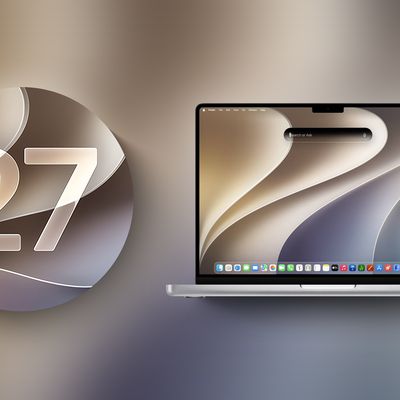
Apple today reminded developers and users that future versions of macOS will not support Intel machines, and Rosetta 2 support for apps will end after macOS 27.
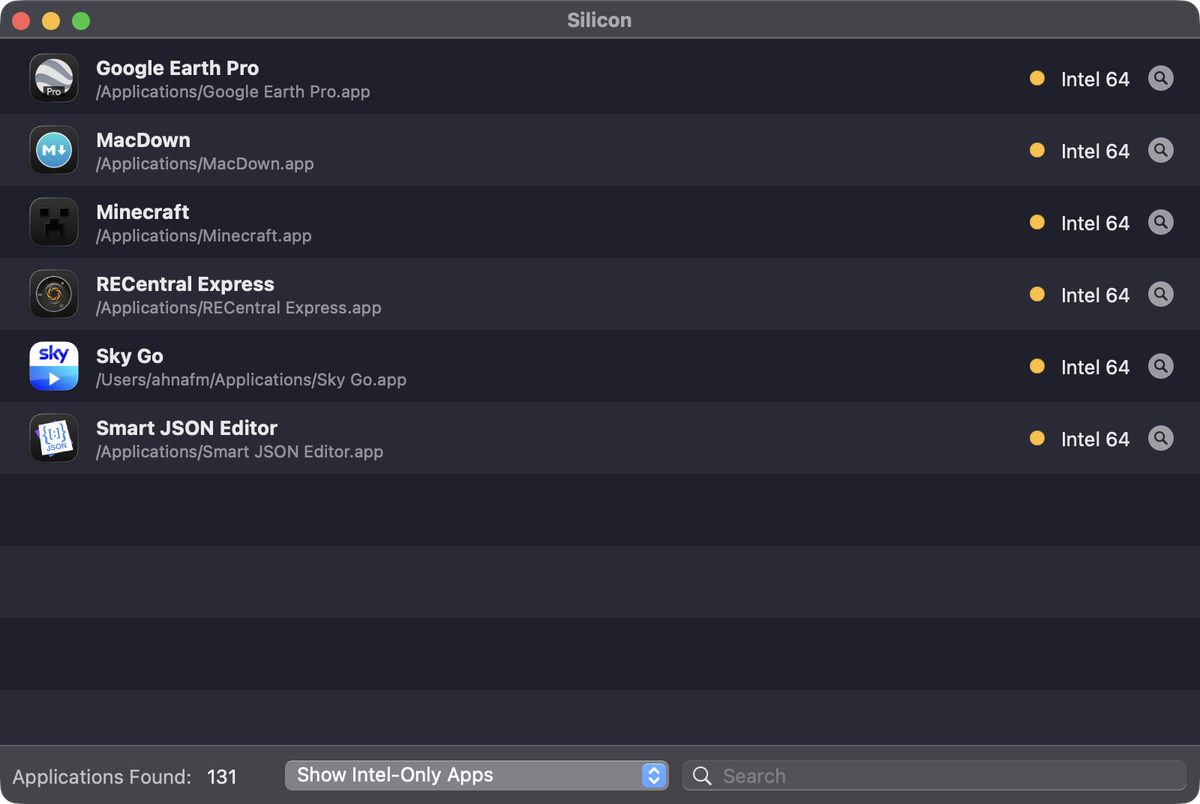
Starting with macOS Tahoe 26.4, when users launch an app that uses Rosetta 2, there will be a popup letting them know that the app will no longer work when support for Rosetta 2 ends.
Apple says that it will continue to support older, unmaintained gaming titles with Rosetta along with software running Intel binaries in Linux VMs beyond macOS 27. There could also be future security fixes.
Apple first announced plans to stop supporting Intel Macs with new versions of macOS back in June 2025 when it debuted macOS Tahoe at WWDC.
Apple started its transition to Apple silicon with the 2020 launch of the M1 Mac machines, and three years ago, the company completed the transition to Apple silicon with the Apple silicon Mac Pro.
macOS 27 will launch in September 2026, so the end of support for Intel-based Macs is approaching.
Popular Stories
Apple today released macOS Golden Gate 27.2, the first major update to the macOS 27 operating system that launched in September.
Mac users can download macOS Golden Gate 27.2 by opening up the System Settings app and using the Software Update option.
macOS Golden Gate 27.2 overhauls the brightness and volume sliders, plus it expands Siri AI to new languages including French, Japanese,...
Upgrading to macOS 27 no longer removes an existing Rosetta installation, according to Apple's enterprise release notes for macOS 27.2. Previously, upgrading to macOS 27 removed existing installations of Rosetta, the translation tool that lets Intel-based apps run on Apple silicon Macs.
macOS 27 remains the final release with full Rosetta support. Apple plans to phase out general-purpose...
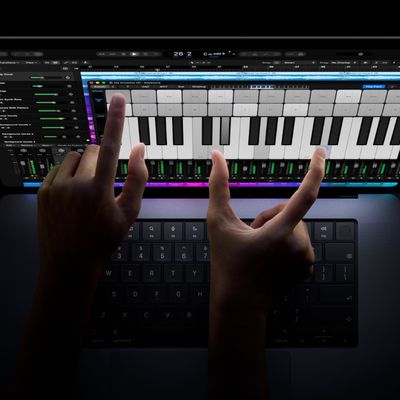
The new MacBook Pro models with OLED displays have an accessibility setting that allows you to turn off touch input entirely, according to MacStories editor-in-chief Federico Viticci.
He also said there is an option to turn on pinch-to-zoom functionality across the macOS Golden Gate...