

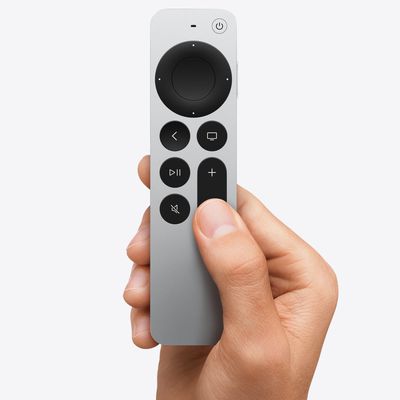
Volume Buttons Not Working on Siri Remote or Apple TV Remote? How to Fix
Sometimes the volume buttons on an Apple TV Remote or Siri Remote can become unresponsive for no obvious reason. This article outlines what you can do to get them working again.
Usually when the remote that comes with Apple's set-top box stops functioning properly, it's either due to a hardware fault and the remote needs replacing, or the battery just needs recharging via the supplied...
Read Full Article
How to Copy and Delete Screenshots on iPhone and iPad
In iOS 16, Apple has added a new "Copy and Delete" option to the screenshot interface on iPhone. This article explains what it's for and how to use it.
Whenever you take a screenshot on your iPhone and tap on the preview thumbnail that appears in the corner of the screen, iOS brings up an image editing interface that lets you easily highlight, draw on, and crop the image before saving it or...
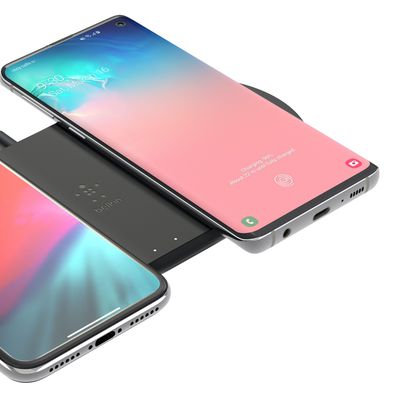
How to Charge Your iPhone With Clean Energy
Clean Energy Charging is a new feature in iOS 16.1 that aims to decrease the carbon footprint of the iPhone by optimizing charging times for when the grid is using cleaner energy sources. Keep reading to learn how you control it.
For users in the United States, iPhones running iOS 16.1 will try to reduce your carbon footprint by selectively charging when lower carbon emission electricity is...
How to View Your Wi-Fi Network Password on iPhone and iPad
In iOS 16, Apple has made it possible to view the password of the Wi-Fi network you're currently connected to. Keep reading to learn how it's done.
Oddly enough, before iOS 16 was released, if an iPhone user was connected to a Wi-Fi network but couldn't remember the password they had originally used to connect to it, there was no way to view that password on their device.
This situation...
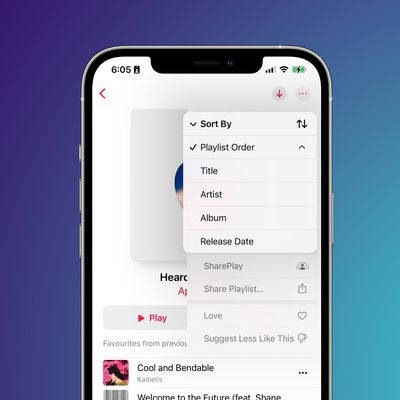
How to Sort Playlists in Apple Music
In iOS 16, Apple introduced a range of quality of life improvements that make using an iPhone a more enjoyable experience, and one of those tiny improvements is the ability to sort playlists in Apple Music.
Previously in iOS, playlists in Apple Music were automatically sorted by the order in which the songs were originally added to the playlist, with the first songs appearing at the top and...
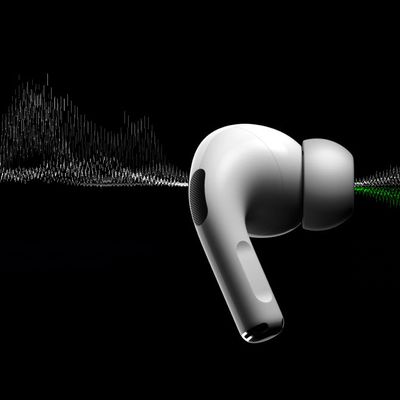
AirPods Pro 2: How to Block Out Loud Noises With Adaptive Transparency Mode
Unveiled with the debut of AirPods Pro 2, Adaptive Transparency is designed to allow the AirPods to block out loud sounds without blocking out all noise. This article explains how to use it.
Alongside Active Noise Cancellation, first- and second-generation AirPods Pro feature Transparency Mode, which uses outward-facing microphones to let you hear the world around you.
Apple took...
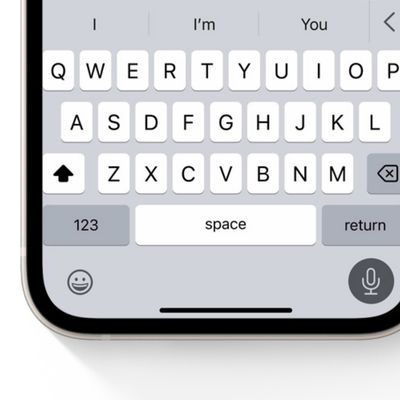
How to Enable Keyboard Haptic Feedback on iPhone
In iOS 16, Apple has included an option for you to turn on haptic feedback when using the onscreen virtual keyboard. This article explains how to turn it on and why it's a great alternative to relying on third-party keyboards to enable the feature.
In the last few years, third-party keyboards like SwiftKey have carved a niche for themselves on iPhone because they offer customizable options...
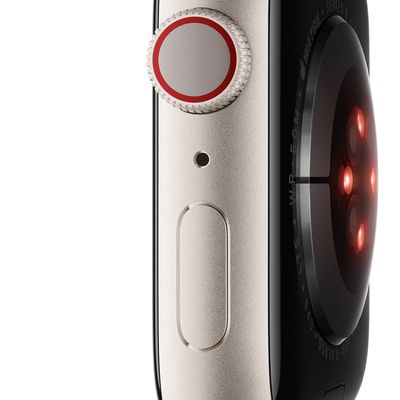
Apple Watch Series 8 & Ultra: How to Track Your Nightly Wrist Temperature
Apple Watch Series 8 and Apple Watch Ultra models can log your temperature data while you're sleeping to give you an "insight into your overall well-being," according to Apple. This article explains what it does and how to use it.
Apple Watch Series 8 and Apple Watch Ultra have two temperature sensors. One is on the back near your skin, and the other is just under the display. Apple designed ...
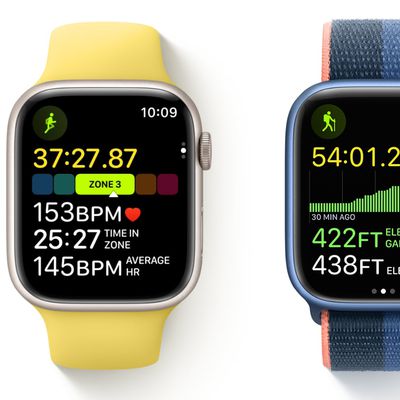
How to Add Running Form Metrics to Your Apple Watch Workout Display
With the debut of watchOS 9, Apple introduced new workout features that aim to take your personal fitness to the next level. For example, you can now display running form metrics to your Apple Watch display during running workouts. This article explains what the new metrics are and how you can enable them.
Apple has leaned further into fitness with the release of each new version of watchOS, ...
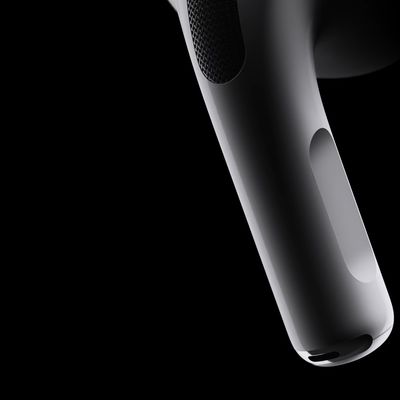
AirPods Pro 2: How to Turn Volume Swipe Controls On and Off
With the advent of AirPods Pro 2, Apple added a new Touch control system to its popular premium earbuds. In addition to being used to play/pause audio and skip tracks, the Touch sensors respond to swipes up and down the stem that increase or decrease the volume of whatever you're listening to.
Apple acknowledges that swipe gestures for adjusting volume may not appeal to everyone, and indeed ...
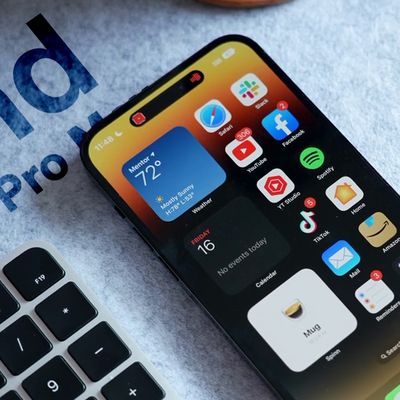
iPhone 14 Pro: How to Turn Off Dynamic Island Content
When Apple unveiled its latest iPhone 14 Pro models, many people were surprised by its innovative integration of software functions with the pill-shaped cutout at the top of the screen, which Apple calls the "Dynamic Island."
Display pixels around the Dynamic Island merge it into one pill-shaped area that changes size and shape to accommodate various types of alerts, notifications, and...
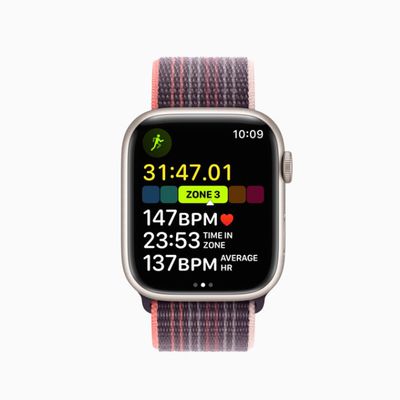
How to Use Heart Rate Zone Tracking on Apple Watch
With the debut of watchOS 9, Apple introduced new workout features that aim to take your personal fitness to the next level. One of these new features is heart rate zones. This article explains what they are for and how to use them.
Apple has leaned further into fitness with the release of each new version of watchOS, and the latest version, watchOS 9, adds more metrics to your wrist than...
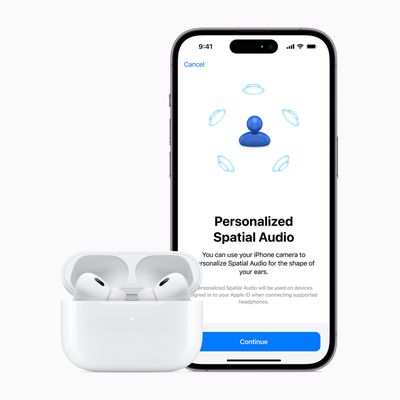
How to Set Up AirPods Personalized Spatial Audio
With iOS 16, Apple made available a new feature for AirPods users called Personalized Spatial Audio. This article explains what it is and how to set it up on iPhone.
According to Apple, Personalized Spatial Audio is designed to create an even more precise and immersive listening experience than standard Spatial Audio, which uses Dolby Atmos to create a richer, more immersive soundstage when...
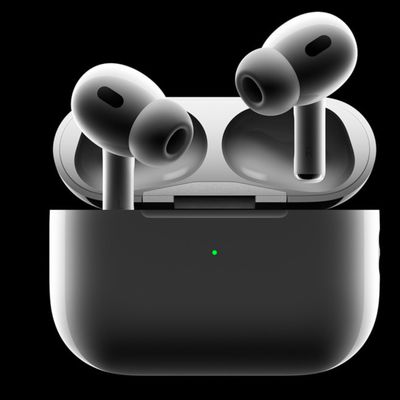
How to Use Precision Finding to Locate AirPods Pro With Your iPhone
With AirPods Pro 2, Apple improved the Charging Case by adding a U1 chip for Precision Finding with Find My. With AirPods Pro 3, Apple added a U2 chip to improve the feature. This article explains how to use Precision Finding to locate your AirPods Pro if you've misplaced or lost them.
Find My uses Bluetooth signals from lost AirPods to relay their location back to you. Apart from...
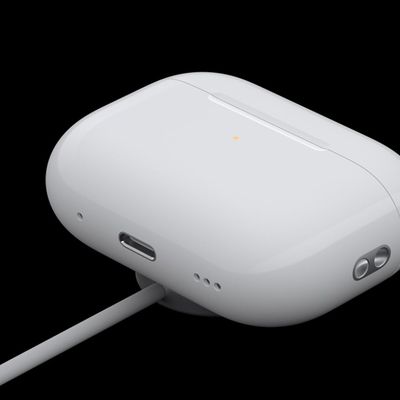
AirPods Pro 2: How to Enable or Disable Charging Case Sounds
With AirPods Pro 2, Apple has improved the Charging Case by adding a U1 chip for Precision Finding with Find My. This means there is a speaker built into the case that can emit a sound to help you locate it.
However, the speaker also plays an audible chime whenever you start charging the Charging Case. The sound plays whether you connect the case to power via Lightning or place it down on a ...
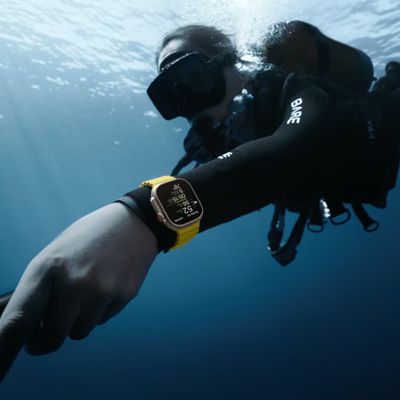
Apple Watch Ultra: How to Use the Depth App for Underwater Activities
Apple Watch Ultra features a Depth app that's exclusive to the device. This article tells you what it does and how to use it.
The Apple Watch Ultra can be used for dives up to 40 meters deep (130 feet), and the new Depth app for the watch is designed to make the most of recreational underwater activities like snorkeling, underwater pool swims, and shallow free-diving.
The Depth app...
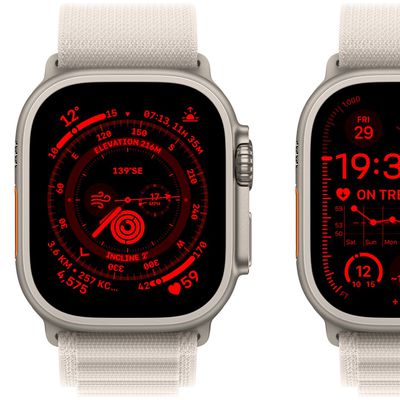
Apple Watch Ultra: How to Activate Night Mode
Apple Watch Ultra comes with a built-in Night Mode that puts a red filter on the display. Keep reading to learn how to use it.
To optimize for evening conditions, Apple Watch Ultra features a Night Mode that turns the interface red and removes retina-altering blue light from the display to ease strain on your eyes in the dark.
On other Apple Watch models, if you look at your watch or...
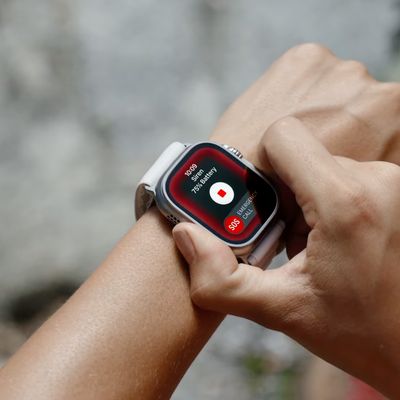
Apple Watch Ultra: How to Activate, Cancel, and Disable the Siren
If you ever become lost, injured, or have some other emergency situation and want to draw attention to your location, Apple Watch Ultra includes an 86-decibel siren that you can use.
The siren uses a unique sound signature that incorporates two distinct alternating patterns, which can repeat for several hours. The first pattern suggests distress, while the second mimics the universally ...
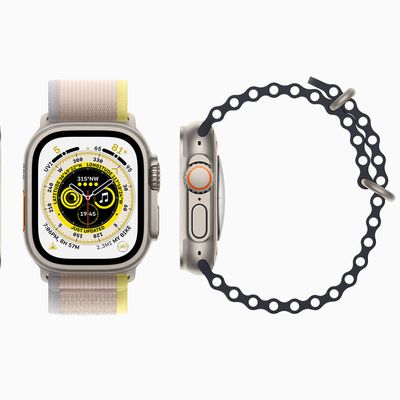
Apple Watch Ultra: How to Use the New Optimized Charge Limit Feature
All Apple Watch models running watchOS 7 or later include a Battery Health feature called Optimized Battery Charging that extends the total battery life of your Apple Watch by learning from your habits and waiting to finish charging all the way up until you need your Apple Watch.
Apple Watch Ultra can last up to 36 hours on a single charge – the longest battery life of any Apple Watch ...
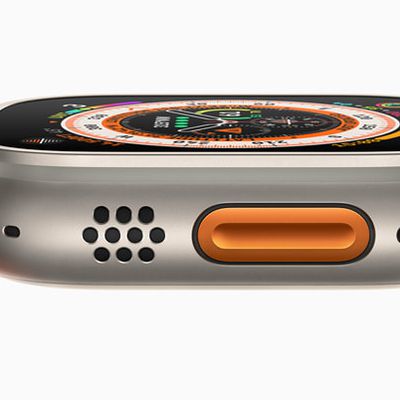
Apple Watch Ultra: How to Customize the Action Button
Apple Watch Ultra features a customizable Action button on the left side of the case that is capable of performing a variety of functions. This article explains what it can do, and how you can configure it.
Apart from activating the Siren, the Action Button on Apple Watch Ultra can be customized to perform a number of functions, offering quick access to them without you having to tap through ...
















