Apple Releases First Public Beta of tvOS 16
Apple today seeded the first beta of tvOS 16 to its public beta testing group, allowing members of the public to download and test the new update on Apple TV HD and Apple TV 4K models.
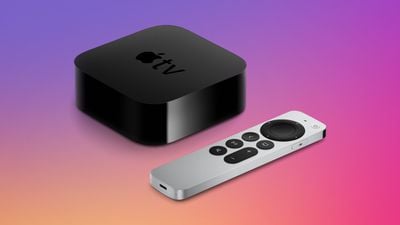
Public beta testers can download the tvOS 16 beta update by opening up the Settings app on the Apple TV, navigating to the Software Updates section under "System," and then toggling on "Get public Beta Updates" after signing up to beta test on Apple's public beta website.
tvOS 16 adds cross-device connectivity, which will let developers integrate Apple TV apps with iPhone and iPad apps to unlock new experiences on the Apple TV. Multiple user profiles have also been improved through a shared keychain feature that cuts down on logins.
Game controller support has been expanded to the Nintendo Joy-Cons and Nintendo Pro Controller, and HDR10+ support is available in the Apple TV app. In the future, the Apple TV will support Matter, an upcoming smart home standard that will improve interoperability between accessories from different companies.
tvOS 16 is set to come out this fall, and it will go through several rounds of beta testing before launch.
Popular Stories
Apple today announced a new subscription initiative that turns paid iCloud+ subscriptions into a broader services bundle in more than 100 countries.
In select countries, Apple says every paid iCloud+ plan, including the cheapest 50GB tier, now includes Apple TV and Apple Arcade "at no additional cost," while family sharing extends the storage, TV and Arcade access to up to five people....
The next Apple TV 4K will be equipped with an A19 or A19 Pro chip, according to evidence in Apple's code uncovered by MacRumors contributor Aaron Perris. In particular, the device's model identifier points towards the A19 generation of chips.
Accordingly, the next Apple TV would have 8GB or 12GB of RAM, up from 4GB in the current 2022 model with the A15 Bionic chip. Other rumored upgrades for...
Apple today released the sixth public betas of iOS 27, iPadOS 27, tvOS 27, and macOS Golden Gate, allowing anyone with a compatible device to download and test the new software. The sixth betas come a week after Apple seeded the fifth betas and a few hours after the eighth developer betas.
You can get started by signing up on Apple's beta website and then opting in to the public beta by...























