

Tim Hardwick

Tim is a Senior Editor at MacRumors and has been writing for the site since 2016. Formerly a magazine journalist, his work has appeared in over 30 newsstand print publications and online brands covering a range of topics, from the latest trends in technology to the mysteries of ancient history.
Based in the UK, Tim's current role at MacRumors involves editorial oversight and how tos, in addition to covering daily news and contributing occasional reviews. Tim can be reached at tim@macrumors.com, Telegram (@waxeditorial) or Twitter.
Based in the UK, Tim's current role at MacRumors involves editorial oversight and how tos, in addition to covering daily news and contributing occasional reviews. Tim can be reached at tim@macrumors.com, Telegram (@waxeditorial) or Twitter.
Tim Hardwick's Articles
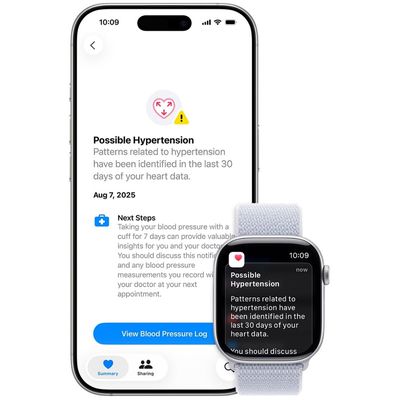
How to Turn On Apple Watch Hypertension Notifications
If you have an Apple Watch Series 9 or later or Apple Watch Ultra 2 or later, it can detect patterns in your heart rhythm that suggest hypertension and send you critical health notifications when they occur. This potentially life-saving feature requires just a few quick setup steps to activate.
Apple Watch hypertension notifications analyze irregular heart rhythm patterns to identify...
Read Full Article
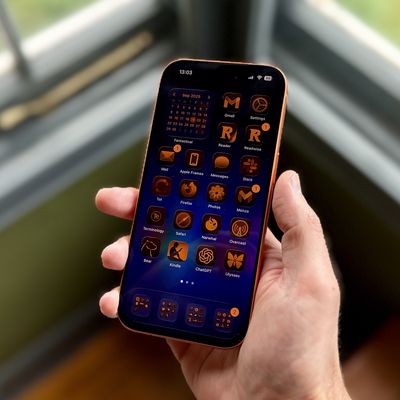
iOS 26: Tint App Icons to Match Your New iPhone 17 Color
In iOS 26, Apple has added a new feature to its Home screen customization options that can match the color of your app icons with the actual color of your iPhone. The image below demonstrates the effect on the new iPhone 17 Pro in Cosmic Orange.
In iOS 18, Apple introduced Tinted app icons. The option applies a color filter over app icons, widgets, and even system UI elements, and with iOS...

iPhone 17 Pro: Shooting in Apple's ProRes RAW Format
The iPhone 17 Pro marks Apple's biggest leap yet in professional mobile video, introducing ProRes RAW recording for the first time. Unlike standard ProRes, RAW preserves all of the camera's sensor data – including ISO, shutter, and especially white balance – allowing filmmakers to make critical adjustments later in post-production without quality loss.
Version 2.0 of Apple's Final Cut...
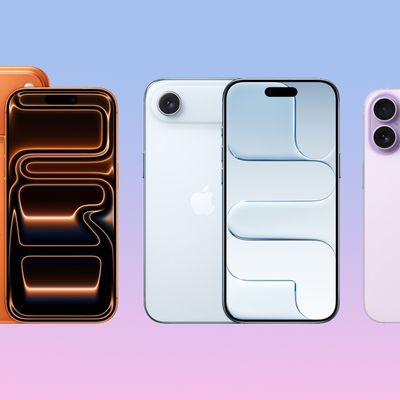
iPhone 17, Pro, Air: How to Use All the New Features
Apple's iPhone 17, iPhone Air, iPhone 17 Pro, and iPhone 17 Pro Max launched today in markets around the world. If you're the proud owner of one of Apple's latest models, then keep reading. Whether you're upgrading from an older iPhone or completely new to the devices, this article will help you get the most out your new iPhone.
With the first round of pre-ordered devices now being delivered ...
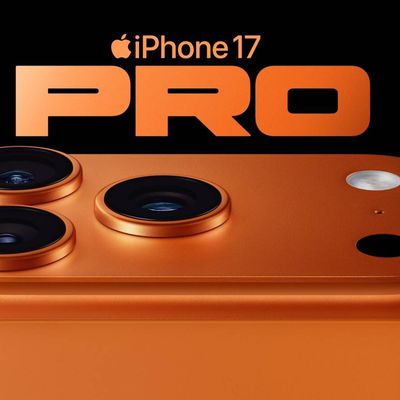
iPhone 17 Pro: Using the New 8x Optical Zoom
The iPhone 17 Pro introduces a powerful new 48MP Pro Fusion camera system, giving you sharp, detailed photos no matter which lens you use. The Main, Ultra Wide, and Telephoto cameras all shoot at 48MP, so your pictures stay consistent in quality whether you're zoomed in or out.
The new Telephoto lens reaches an impressive 200mm focal length with 8x optical-quality zoom – that's the longest ...

iPhone 17: Rotate the Front Camera Without Moving
On the iPhone 17 series and iPhone Air, the new 18-megapixel Center Stage front camera now uses a square sensor, allowing you to take horizontal or vertical photos and videos without changing the orientation that you are holding your iPhone.
Because the sensor itself is square, your iPhone no longer locks you into one orientation. That means you can frame selfies, group shots, or video clips ...

iPhone 17: Disable Center Stage Front Camera Auto-Rotate
On the iPhone 17 series and iPhone Air, the new 18-megapixel Center Stage front camera features a square sensor. This allows Center Stage to automatically switch between horizontal and vertical orientation when you're lining up a shot, meaning you don't need to change how you hold your iPhone.
However, you may find when taking selfies that Center Stage detects people's faces beside you or in ...
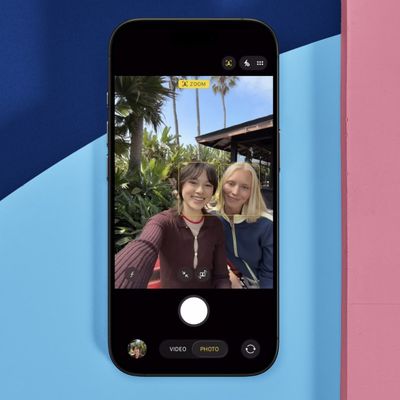
iPhone 17: Disable Center Stage Camera Auto-Zoom
On the iPhone 17 series and iPhone Air, the new 18-megapixel Center Stage front camera features a square sensor that offers more flexibility in framing and composition. Center Stage will also auto-zoom to include everyone in a group selfie, but if you don't like it, you can turn it off.
The Center Stage camera automatically adjusts its view depending on what's happening in front of it. If...
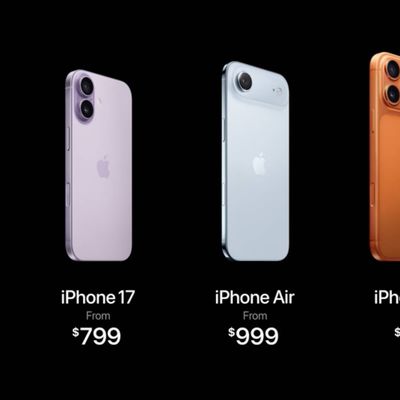
Forgot to Pre-Order iPhone 17? Apple Store Pickup Available Today at Most Locations
Apple's new iPhone 17, iPhone Air, iPhone 17 Pro, and iPhone 17 Pro Max models are now being delivered to customers worldwide following the pre-order period that began on Friday, September 12. For those who didn't pre-order or chose to wait, many configurations on Apple's online store in the U.S. and elsewhere are facing an additional 1-3 week shipping delay beyond launch day, with delivery...

iOS 26: Use AirPods as Microphone When Shooting Video
In iOS 26, you can use AirPods 4, AirPods Pro 2, or AirPods Pro 3 as a wireless microphone with supported camera apps. Think of it as turning your AirPods into a lapel mic – you get professional-quality audio capture as well as the freedom to move around during recording. Here's how it works.
Setting Up AirPods as Your Camera Microphone
Using AirPods as a microphone in iOS 26 requires just...

WhatsApp: How to Set a Message Reminder
WhatsApp has rolled out a new feature on iPhone that lets you set reminder alerts for specific messages that you want to come back to later.
Available in version 25.25.74 of WhatsApp, the feature allows you to long press on any message in a conversation thread and select a new "Remind me" option in the popup menu. You can then choose between 2 hours, 8 hours, and 24 hours, or set a custom...
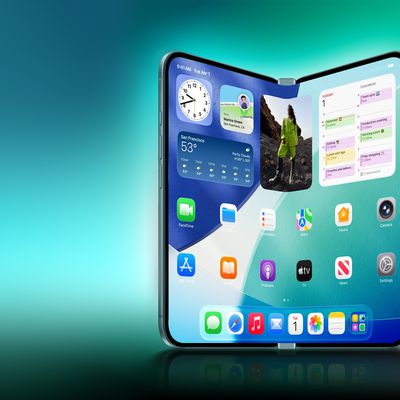
Apple Eyes Foldable iPhone Pilot Production Line in Taiwan
Apple has been in discussions with suppliers in Taiwan about potentially building a test production hub in the country for its rumored foldable iPhone, reports Nikkei Asia.
According to the outlet's sources, Apple is interested in building a mini pilot line that would "verify the equipment and fine-tune the parameters and manufacturing steps" for making its foldable iPhone, which is expected ...
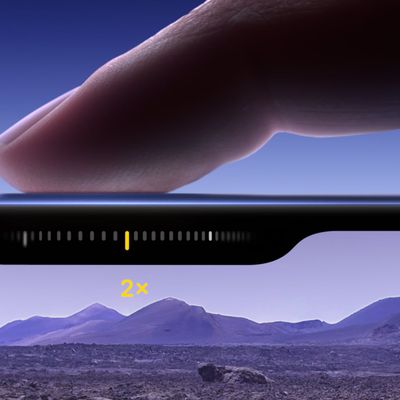
Lock iPhone Auto Exposure and Focus With Camera Control
Apple's iPhone 16 and newer models include a new Camera Control button (located on the lower right-hand side when holding the phone in portrait mode), and includes a handy bit of functionality that can make focusing in on subjects a lot simpler.
It's possible to lock the camera's auto exposure and auto focus settings with a light press of Camera Control. The option isn't on by default, but...
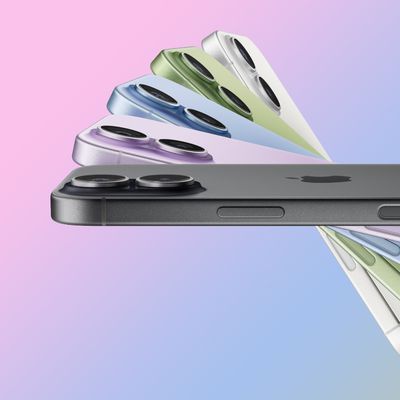
iPhone 17 Reviews: Choosing the Base Model 'No Longer Means Missing Out'
The first set of reviews are out for the new 6.3-inch base iPhone 17 model ahead of the full iPhone 17 lineup launching on Friday.
As noted in our buyer's guide, the iPhone 17 features Apple's biggest display upgrade to a non-Pro model in years, with a larger 6.3-inch display (up from 6.1 inches) and a 120Hz ProMotion display for refresh rates up to 120Hz. There are also some major camera...
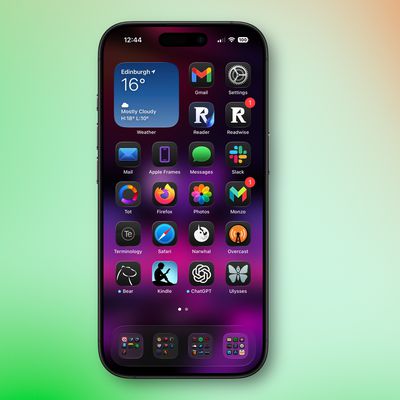
iOS 26 Liquid Glass Design Makes App Icons Look Crooked, Report Users
iOS 26's new Liquid Glass interface has been criticized for making some content illegible in certain circumstances, and now the UI design is reportedly causing another unusual visual problem for some users.
Liquid Glass adds subtle glowing effects to the corners of app icons, creating a dynamic glass-like appearance with depth and parallax effects. However, as noted by Gizmodo, this design...

Kuo: OLED MacBook Pro to Feature Touch Screen Display
Apple's first OLED MacBook Pro, set to enter mass production next year, will feature a touch screen display, according to Apple analyst Ming-Chi Kuo.
In his latest post on X (Twitter), Kuo writes that Apple's much-rumored OLED MacBook Pro will incorporate a touch panel using on-cell touch technology. On-cell touch technology integrates the touch sensors directly into the display panel's top...
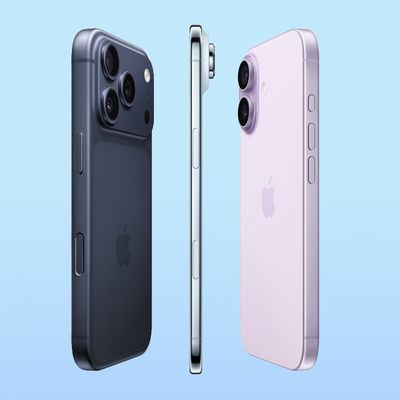
Hard Reset or Force Restart Your iPhone 17 or iPhone Air
Apple's new iPhone 17 has a bigger screen than its predecessor at 6.3 inches, while the iPhone 17 Pro and iPhone 17 Pro Max come in the same sizes as 2024's equivalents. Meanwhile, the all-new ultra-thin iPhone Air replaces last year's Plus model in Apple's lineup. What's common among these new models is that they come with an all-screen design, Dynamic Island, an Action button, and...
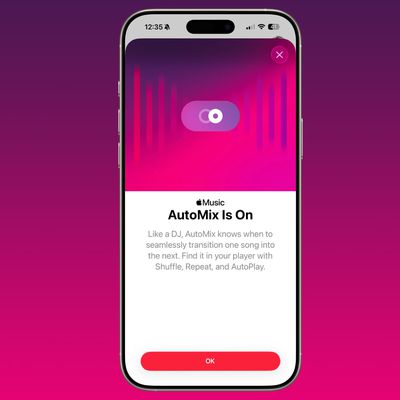
iOS 26: Enable the New AutoMix Feature in Apple Music
Apple Music is one of the apps that got a noticeable Liquid Glass design overhaul in iOS 26, but Apple also added a useful new feature that streamlines song transitions.
AutoMix is designed to transition from one song to another as the currently playing song ends, using time stretching and beat matching for a seamless shift. Apple says that it's meant to work "like a DJ."
Songs are...
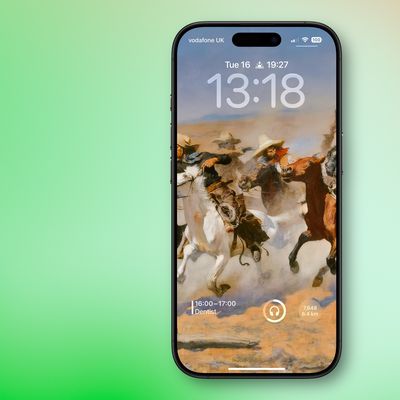
iOS 26: Move Lock Screen Widgets to Bottom of iPhone Display
Apple has improved the Lock Screen on iPhones in recent years, making it more customizable than ever and able to display information-rich widgets. In iOS 26, Apple has added another custom option to the Lock Screen – the ability to position widgets at the bottom of your iPhone's display.
In iOS 18, the row of widgets on your Lock Screen was literally locked in place right below the clock....

iOS 26: All the New iPhone Lock Screen Customizations
Apple has now made iOS 26 available to download on compatible iPhone models, and if you just installed the new software, Apple has made some changes and feature additions to the iPhone Lock Screen that you may want to check out.
To download iOS 26 on your iPhone, go to Settings ➝ General ➝ Software Update, then let your device check Apple's servers for the latest software. Wait for the...
















