

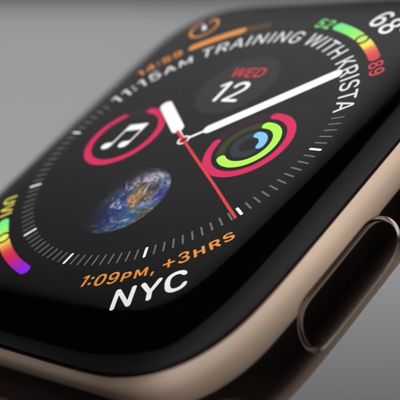
How to Delete Apps on Apple Watch
When you install third-party apps on your iPhone, they sometimes automatically install apps on your Apple Watch, too. Some of these wrist-based apps can be worthwhile additions, but many simply duplicate the function of the iPhone app and just fill up your Apple Watch with useless cruft. This article shows you two quick ways to delete unwanted Apple Watch apps.
How to Uninstall Apple Watch ...
Read Full Article
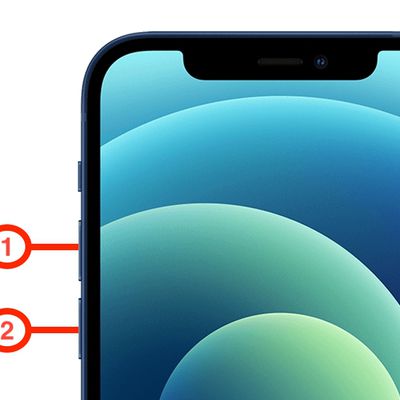
How to Hard Reset or Force Restart iPhone 12
Apple's iPhone 12 mini, iPhone 12, iPhone 12 Pro, and iPhone 12 Pro Max come in different sizes compared to its predecessor iPhone 11 series, but they still share some common design elements with Apple's 2019 models, such as an all-screen design and no Home button on the front.
Video tutorial on how to hard reset or force restart your iPhone 12:
Subscribe to the MacRumors YouTube ...
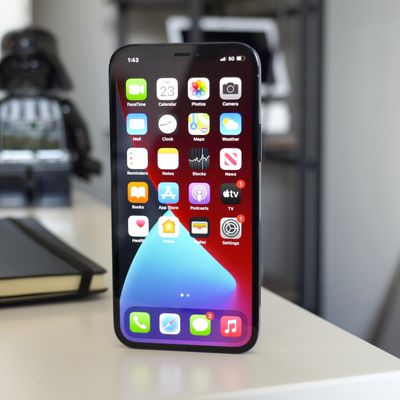
iPhone 12 5G Settings: How to Save Data and Battery
Apple's iPhone 12 and 12 Pro are the first iPhones to be released with 5G connectivity, and there are several new settings related to 5G that you should be aware of.
By default, when you set up a new iPhone 12 or 12 Pro, it activates an Auto 5G mode that only turns on 5G data when it won't significantly reduce battery life. You can turn this off so that your iPhone uses 5G all the time, and...
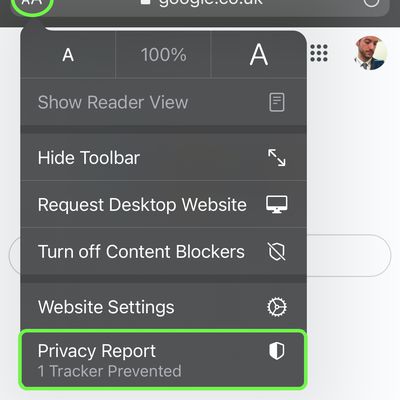
iOS 14: How to Use the Privacy Report Feature in Safari
In iOS 14, Apple has added a new Privacy Report feature to its Safari browser that's designed to prevent websites from tracking your internet usage as you browse.
The feature expands on Apple's Intelligent Tracking Prevention functionality, and severely limits the extent that sites try to track users for ad targeting and analytics.
To access the Privacy Report in Safari on iPhone and...
iOS 14: How to Prevent Apps From Tracking You Across Sites and Apps
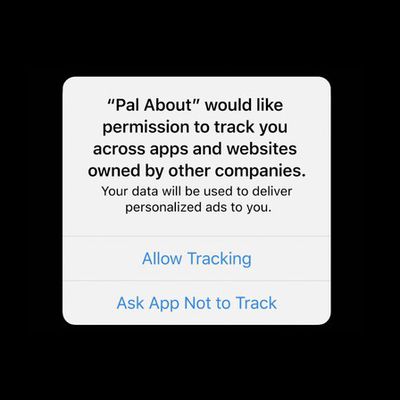
Some third-party iOS apps that you install on iPhone and iPad try to use tracking mechanisms that track your behavior across various apps and websites. Happily, in iOS 14 and later, Apple forces such apps to ask for your permission first.
Apps that use these tracking mechanisms will show a popup asking you to enable tracking features, which are used for targeted advertising, data collection, ...
iOS 14: How to Limit How Much Access Third-Party Apps Have to Your Photo Library on iPhone and iPad
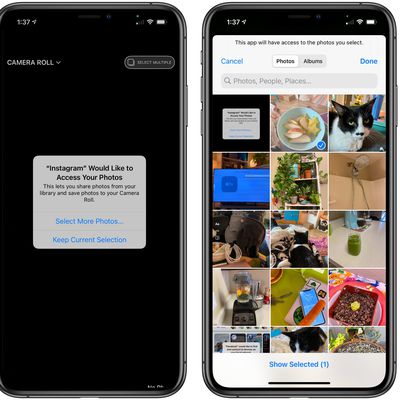
In iOS 14, Apple allows you to limit the level of access that third-party apps have to the photos library on your iPhone or iPad.
When apps that ask permission to access your photos, you can now choose to give access to your entire photo library or just a few photos at a time, which is useful if you don't want social networks like Facebook or Instagram seeing your entire camera roll.
If...
How to Prevent Network Operators From Tracking Your iPhone or iPad Across Wi-Fi Networks
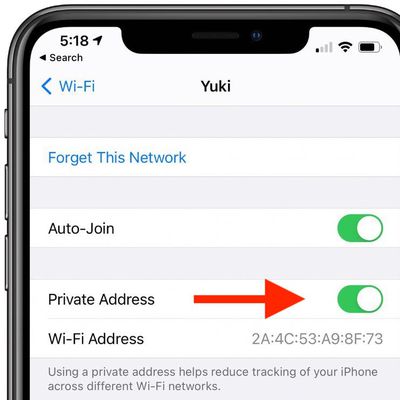
In iOS 14 and later, your iPhone or iPad can use a different MAC address with each Wi-Fi network to prevent network operators from tracking your phone across different WiFi networks.
To communicate with a Wi-Fi network, a device has to identify itself to the network with a unique network address called a media access control (MAC) address.
If your iOS device always uses the same Wi-Fi MAC...
iOS 14: How to Enhance Voice Memo Recordings on iPhone and iPad
One of the smaller improvements that Apple made in iOS 14 is the ability for users to enhance audio recordings made in the Voice Memos app.
The new Enhance Recording option is a one-touch feature that attempts to improve the quality of your recording. It does this by using machine learning to remove potentially unwanted sounds such as background noise and echoing.
Think of it as the audio...
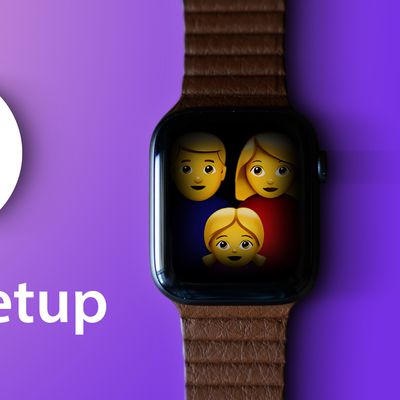
How to Set Up an Apple Watch Using Family Setup
Family Setup is an Apple Watch feature in watchOS 7 that's designed to allow parents to set up Apple Watches for their children without them needing to own an iPhone as well.
Family Setup is mainly aimed at families with children, but it can also be used to set up an Apple Watch for an older adult or anyone else who doesn't have an iPhone but wants to take advantage of the health and...
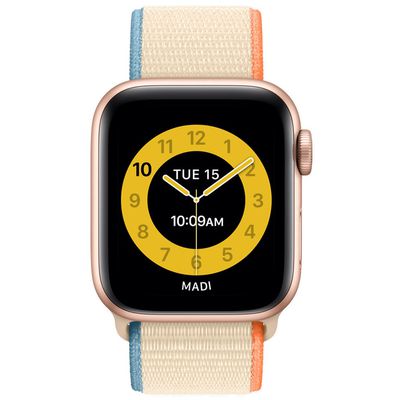
How to Set a Schooltime Schedule on Apple Watch
In watchOS 7, Apple introduced Family Setup, a new feature that allows users to pair additional watches to their iPhone for children or older members of their household who don't have their own iPhones.
An associated feature of Family Setup, called "Schooltime," allows parents and guardians to remotely turn on Do Not Disturb on kids' watches and display a special watch face with restricted...

How to Watch Apple's iPhone 12 Event on October 13, 2020
Apple this morning announced a second 2020 event, which is set to take place on Tuesday, October 13 at 10:00 a.m. Pacific Time through a livestream. Apple is expected to unveil the new iPhone 12 lineup and we could also see the launch of rumored products like the AirTags, smaller HomePod, AirPods Studio, and Apple Silicon Macs.
Subscribe to the MacRumors YouTube channel for more videos.
There ...
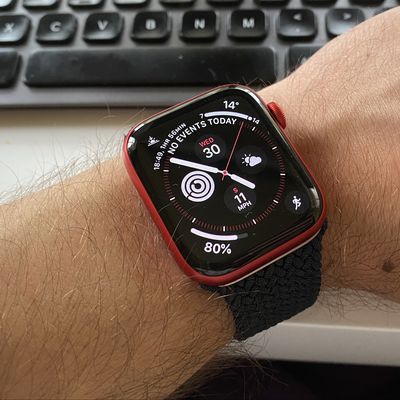
How to Share Apple Watch Faces
If you have an Apple Watch, chances are you've spent some time customizing your watch faces. Apple lets you adjust colors, choose complications, and select backgrounds so you can get watch to look just how you like, and you can share your personalized watch faces with others, too.
The ability to share watch faces with other people is a fun addition because it means you can impress your...
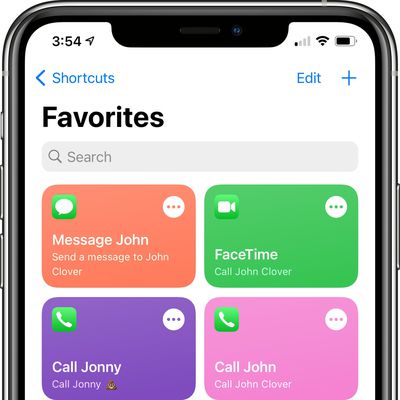
iOS 14 Favorites Widget: How to Make a Replacement With Shortcuts
In iOS 14, Apple overhauled widgets and introduced an option for adding widgets to the Home Screen, but in the process, a well-loved Favorites widget that existed in iOS 13 was removed.
The Favorites widget allowed users to set certain contacts and contact methods as favorites that were easily accessible, so you could, for example, add a favorite option for messaging Eric or calling Dan,...
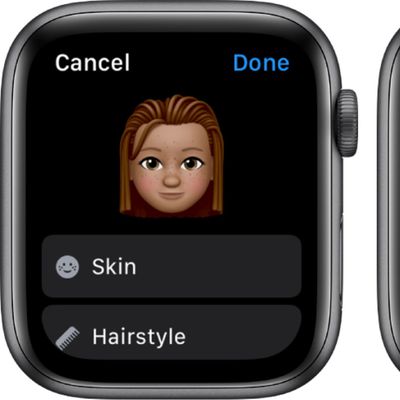
How to Make a Memoji on Apple Watch
Apple in watchOS 7 introduced a new Memoji app, which can be used to create the personalized Memoji characters that Apple first introduced in 2018, with the Memoji app available on the Apple Watch Series 4 and later.
Creating a Memoji can be done in just a few minutes, and all of the same creation options that are available on iPhone and iPad are available on Apple Watch.
Open the...
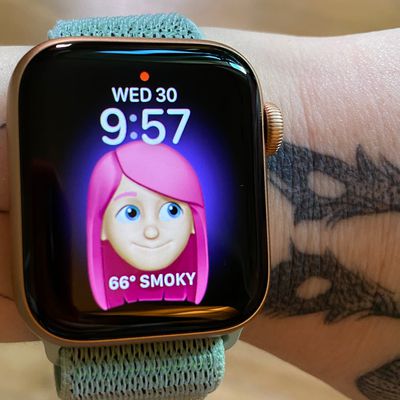
How to Set a Memoji or Animoji as Your Watch Face on Apple Watch
Apple in watchOS 7 introduced a new Memoji and Animoji watch face that lets you display an Animoji or custom-created Memoji on your wrist.
The Memoji watch face is available on the Apple Watch Series 4 and later.
Enable the Memoji Watch Face on Apple Watch
Long press on the display of the Apple Watch.
Scroll all the way to the left and tap on the "+" button to add a new watch face.
...
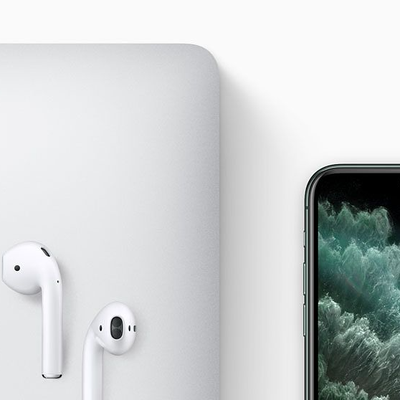
AirPods: How to Automatically Switch Between Devices
Apple in September 2020 issued an update for AirPods and some Beats-branded headphones that allows them to automatically switch between your iPhone, iPad, and Mac depending on which device you want to listen to.
For example, if you’re listening to another device with your AirPods but you want to listen to your iPhone instead, start playing music, a podcast, or other audio on your iPhone,...

How to Use Spatial Audio on AirPods Pro and AirPods Max
Spatial audio is a sonic feature exclusive to AirPods Pro and AirPods Max that adds surround sound to Apple's premium audio wearables. By utilizing dynamic head tracking, it brings a theater-like audio experience to the movie or video you're watching, so that it seems as if the sound is coming from all around you.
Spatial audio uses the gyroscope and accelerometer in your AirPods Pro or...

How to Measure Your Wrist for Apple Watch Solo Loop Bands
With the unveiling of Apple Watch Series 6 and Apple Watch SE, Apple introduced two new styles of band called the Solo Loop and the Braided Solo Loop. Compatible with Apple Watch Series 4 and later watches, these new bands have no clasp, buckle or other fastener. Instead, they use a single strap of material with a stretchy design that allows them to be pulled on and off your wrist over your hand.
...
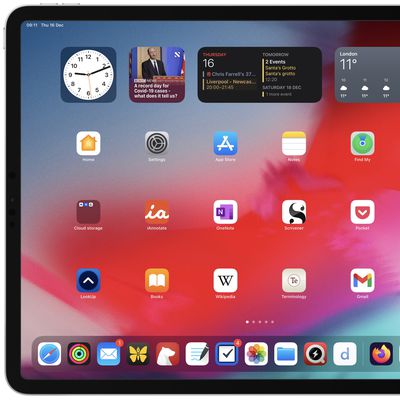
iPadOS 15: How to Add Widgets to Your iPad's Home Screen
Since iOS 14, iPhone users have been able to customize their Home Screen with the help of widgets, which are similar to the widgets available on Android phones.
Widgets took a little longer to arrive on iPad, and their use was initially limited to the Today view on the left side of the Home Screen. With the release of iPadOS 15, however, widgets can be placed anywhere on the Home Screen of...
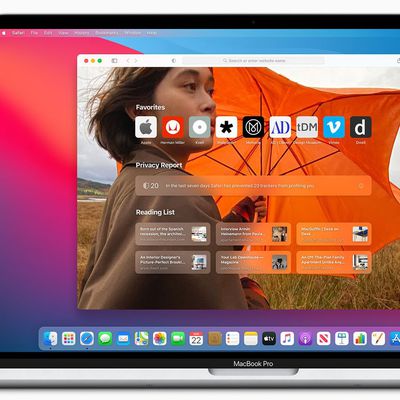
How to Add a Start Page Wallpaper in macOS Safari 14
Ahead of the release of macOS Big Sur, Apple has released the Safari 14 update for macOS Catalina and macOS Mojave users, bringing with it a number of new features and improvements.
One of the most dramatic changes is the overhauled Start Page, which now includes a browsing privacy report, iCloud tabs, Siri suggestions, and more. It also features several customizable options, such as the...
















