Tim Hardwick

Tim is a Senior Editor at MacRumors and has been writing for the site since 2016. Formerly a magazine journalist, his work has appeared in over 30 newsstand print publications and online brands covering a range of topics, from the latest trends in technology to the mysteries of ancient history.
Based in the UK, Tim's current role at MacRumors involves editorial oversight and how tos, in addition to covering daily news and contributing occasional reviews. Tim can be reached at tim@macrumors.com, Telegram (@waxeditorial) or Twitter.
Based in the UK, Tim's current role at MacRumors involves editorial oversight and how tos, in addition to covering daily news and contributing occasional reviews. Tim can be reached at tim@macrumors.com, Telegram (@waxeditorial) or Twitter.
Tim Hardwick's Articles
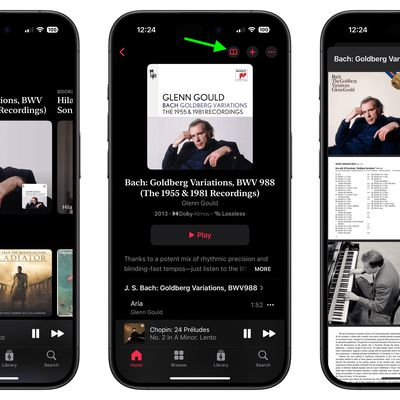
Apple Music Classical 2.0 Adds Thousands of Full Album Booklets
Apple Music Classical, the classical music streaming service introduced in early 2023, received a version 2.0 update today that brings a couple of worthwhile new features to the iPhone and iPad app.
This latest version of the app adds album booklets for thousands of albums. Album booklets offer multi-language liner notes, composer biographies, information about the orchestra, conductors, and ...
Read Full Article • 97 comments

Tim Cook and Jimmy Fallon Talk iPhones and Hot Dog Predictions
In a lighthearted walk-and-talk around New York City, The Tonight Show's Jimmy Fallon caught up with Apple CEO Tim Cook on Friday to chat about the new iPhone 16 and Cook's love for the iconic Fifth Avenue Apple Store. Fallon – wearing Apple Vision Pro – met Cook with mock disbelief while picking up his new iPhone, with Cook personally handing him the device.
As they strolled to Apple's...
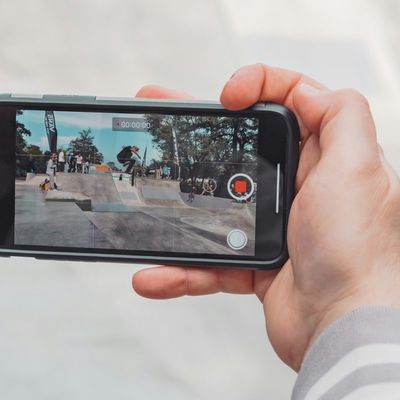
iOS 18: Capture iPhone Audio Playback When Recording Video
In iOS 18, Apple has introduced a new feature that allows you to continue playing audio from your iPhone's speakers while recording video in the Camera app. Whether you're creating a music video or simply want background music for your recordings, this new option offers you greater creative control over your iPhone videos.
Photo by Jan Kopřiva
Previously in iOS 17, starting a video recording...
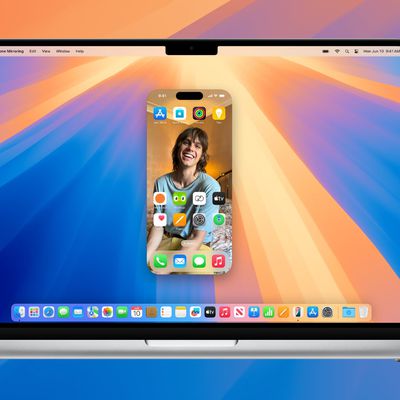
Apple's New Betas Let You Drag and Drop Files Between iPhone and Mac
Apple's latest beta releases for macOS 15.1 and iOS 18.1 have added a much-anticipated new iPhone Mirroring capability – seamless drag and drop between iPhone and Mac. The feature allows you to transfer files between the two devices effortlessly, even when your iPhone is locked and charging.
To use this feature, you'll need to update to the fifth beta versions and activate iPhone...
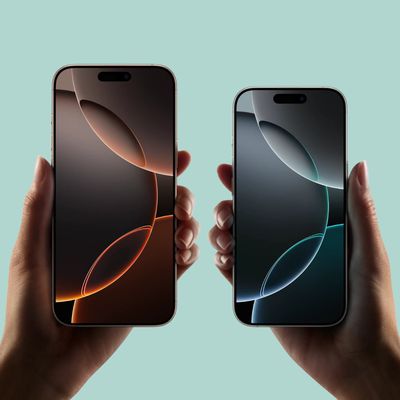
iPhone 16: How to Shoot Macro Photography and Video
With the launch of the iPhone 16 series, Apple has brought the immensely detailed world of close-up macro photography to its entire iPhone lineup for the first time. Keep reading to learn how it works.
Macro mode was originally introduced with the iPhone 13 series, but it was limited to Apple's Pro models. That continued to be the case for the iPhone 14 series and iPhone 15 series, but with...
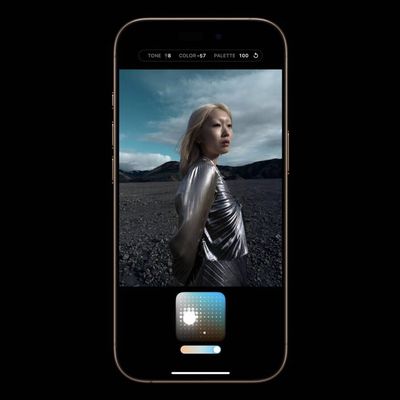
Edit Photographic Styles After Shooting on iPhone
On iPhone 16 models and newer, you can use Photographic Styles to adjust specific colors in certain parts of your photos to create the exact look you want. Photographic Styles can also be changed after shooting. Keep reading to learn how.
When you choose a default Photographic Style, it's saved and reflected across all of the photos you take, and you can make adjustments to it in the Camera...
iOS 18: How to Lock iPhone Apps
In iOS 17, Apple doesn't offer a system-level method for individually locking sensitive apps like Photos behind Face ID. There is a Shortcut action that provides rudimentary protection, but it's not infallible. Thankfully, iOS 18 includes a dedicated option to lock and even hide individual apps even when the iPhone itself is already unlocked.
This is useful because it means you can unlock...
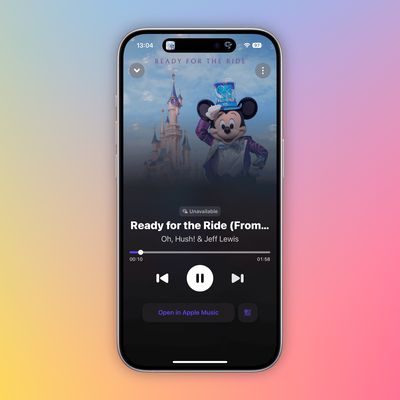
Shazam App Now Supports Music Haptics in iOS 18
Apple-owned Shazam has released an updated version of the app that supports the new Music Haptics feature in iOS 18.
With the feature turned on, the iPhone's Taptic Engine will tap and vibrate to match the audio of a song playing in Apple Music, Apple Music Classical, and now Shazam, as long as the device is connected to a Wi-Fi or cellular network.
Music Haptics is supported on the...
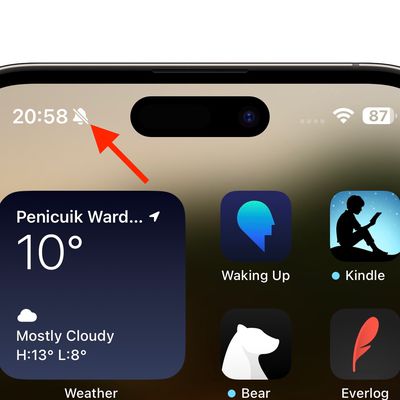
iPhone 16: Hide the Silent Mode Bell Icon in the Status Bar
Apple's iPhone 16 and iPhone 16 Plus now feature the programmable Action button that replaces the traditional ring/silent switch above the volume buttons. The Action button was previously only available on iPhone 15 Pro devices, but has expanded across the latest iPhone 16 lineup to be included on all models.
The Action button can be programmed to perform several different functions, but the ...

Switch Between Mute/Silent and Ring Mode on iPhone 16
Apple's iPhone 16 and iPhone 16 Plus now feature the programmable Action button that replaces the traditional ring/silent switch above the volume buttons. The Action button was previously only available on iPhone 15 Pro devices, but has expanded across the latest iPhone 16 lineup to be included on all models.
The Action button can be programmed to perform several different functions, but...
iOS 18 Touchscreen Issues Reported by Some iPhone Users
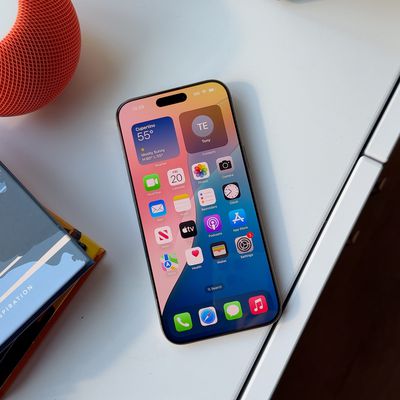
Some users of iPhones running iOS 18 are reporting intermittent touchscreen responsiveness issues, with some devices seemingly ignoring taps and swipes. The problem appears to be affecting various models, including the new iPhone 16 series, as well as older devices dating back to the iPhone 14.
Users on Reddit have reported unresponsive areas on the screen, resulting in missed taps, ignored...

Jony Ive Confirms Involvement in AI Hardware Project With OpenAI
Former Apple chief design officer Jony Ive has officially confirmed his involvement in an artificial intelligence hardware project with OpenAI CEO Sam Altman. The confirmation appeared in a profile of the designer by The New York Times, putting to rest speculation that began nearly a year ago about a potential collaboration between the two figures.
The AI hardware venture is reportedly being ...
iPhone 16 and iPhone 16 Pro: How to Use All the New Features
Apple's iPhone 16, iPhone 16 Plus, iPhone 16 Pro, and iPhone 16 Pro Max launched in markets around the world on September 20. If you're the new owner of one of Apple's latest models, then keep reading. Whether you're upgrading from an older iPhone or completely new to the devices, this article will help you get the most out your iPhone 16.
With the first round of pre-ordered devices now in...
iPhone 16: Adapt Shots With New Photographic Styles
With Apple's latest iPhone 16, iPhone 16 Plus, iPhone 16 Pro, and iPhone 16 Pro Max models, you can use the latest-generation Photographic Styles to adjust specific colors in certain parts of your photos to create the exact look you want.
When you choose a default Photographic Style, it's saved and reflected across all of the photos you take, and you can make adjustments to it in the Camera...

iPhone 16 Pro: Shoot 4K Video at 120 fps to Slow Down Reality
Apple's iPhone 16 Pro and iPhone 16 Pro Max models now come with the ability to shoot 4K video at up to 120 frames per second in both normal video and slow-motion video modes. This capability improves upon the iPhone 15 Pro, which is limited to 4K at 60fps in normal video and 1080p HD at 240fps in Slow-mo.
The feature is impressive. However, it's important to note that it works best for...
iPhone 16 Pro: Using the New ProRAW Shooting Formats
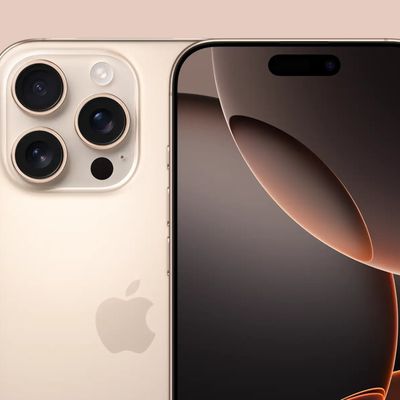
On iPhone 16 Pro models, Apple ProRAW images can now be set to the JPEG-XL format, which renders as a DNG RAW file but also has an easy-to-share embedded JPEG image.
What's more, file size is now far reduced to roughly 45 megabytes in a lossless format and only 20 megabytes in a lossy format that is, despite its name, perceptively lossless. This further reduces the storage space needed both ...
iPhone 16 Pro: How to Use 5x Optical Zoom
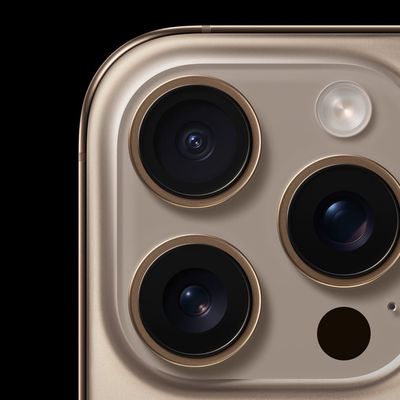
Both the iPhone 16 Pro and iPhone 16 Pro Max feature a tetraprism lens system capable of up to 5x optical zoom. That's an improvement over last year's smaller iPhone 15 Pro model, which was limited to 3x zoom.
The Telephoto lens on the iPhone 16 Pro models features Apple's most advanced camera stabilization system so far, with a combination of optical image stabilization and an autofocus 3D...
iPhone 16: Use Camera Control Button as a Magnifier
Apple's latest iPhone 16 models include a new Camera Control button (located on the lower right-hand side when holding the phone in portrait mode). The new button aims to make it easier to adjust photography settings when shooting with the iPhone in both portrait and landscape orientation, but if you want, you can make it bring up your iPhone's Magnifier app.
Having quick access to the...
iPhone 16: Use Camera Control Button as a QR Code Scanner
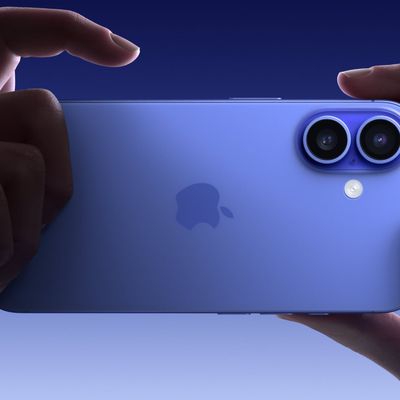
Apple's latest iPhone 16 models include a new Camera Control button (located on the lower right-hand side when holding the phone in portrait mode). The new button aims to make it easier to adjust photography settings when shooting with the iPhone in both portrait and landscape orientation, but if you want, you can make it work as a simple QR code scanner.
For people whose job involves...
iPhone 16: How to Customize the Action Button
Apple's iPhone 16 and iPhone 16 Plus models have adopted the Action button that was exclusive to the iPhone 15 Pro models last year. The Action button replaces the traditional Ring/Silent switch – a staple of the iPhone since it launched in 2007. Here's a rundown of its functions.
The Action button replaces the single-function switch used to toggle between ring and silent, offering...