How to Install the macOS High Sierra Public Beta - MacRumorsOpen MenuShow RoundupsShow Forums menuVisit ForumsOpen Sidebar
Skip to Content

How to Install the macOS High Sierra Public Beta

by

Apple today released the first public beta of macOS High Sierra, the next major version of its operating system for Mac computers that will officially be released in the fall. The beta of the upcoming OS is compatible on all Macs that are able to run macOS Sierra.
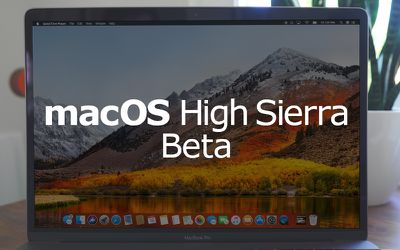
macos hs beta
The availability of the public beta means users who aren't signed up for the Apple Developer Program can test the software update ahead of its official release. Bear in mind that Apple's intention is to act on user feedback to iron out remaining bugs and issues, so the stability of the beta isn't guaranteed and probably shouldn't be installed on a Mac that you use every day.

Note that if you decide you want to revert back to your previous setup after testing the High Sierra beta, you will need to erase the beta partition and perform a fresh installation of macOS Sierra.

With those caveats out of the way, here's a step-by-step breakdown describing how to download and install the macOS High Sierra Public Beta on a Mac.

Enroll in the Apple Beta Software Program

To install the macOS High Sierra public beta, you need to enroll your Mac in the free Apple Beta Software Program.

  • Visit the Apple Beta Software Program website in a browser on your Mac.

  • Tap on the Sign up button, or sign in if you are already a member.

  • Enter your Apple ID credentials and tap on the Sign in button.

  • Agree to the Apple Beta Software Program terms and conditions if necessary.

  • On the Guide for Public Betas screen, with the Mac tab selected, scroll down to the Get Started section and tap on enroll your device.

Download the macOS High Sierra Public Beta

After enrolling in the Apple Beta Software Program, you need to grab the profile installer and run it on your Mac. Here's how:

  • In the same Get Started section on the beta site's Mac tab, click the profile button under where it says Download macOS High Sierra public beta access utility, and wait for the file to download.

  • Open the downloaded file in your Downloads window and double-click the package to run the installer.

  • When the installer has completed the download, the Mac App Store should open automatically showing the Updates screen. Click Update to download the public beta software. (If it doesn't show the public beta in the Updates list, manually restart your Mac and navigate back to the Updates section in the Mac App Store.) When the download is complete, your Mac should restart automatically.

Install the macOS High Sierra Public Beta

If the macOS High Sierra installer doesn't automatically open upon restart, launch it from your Applications folder using the Finder.

  • Click continue at the bottom of the installer.

  • A dropdown prompt will appear advising you to back up your Mac. Click Continue - assuming you've already backed up. If not, click Cancel and do that now.

  • Click Continue at the bottom once you've finished backing up, or if you already performed a backup.

  • Click Agree to accept the terms and conditions and then click Agree again to confirm.

  • Select the drive on which you want to install the public beta.

  • Click Install, enter your administrator password, and click OK.

  • Click Restart, or wait for your Mac to reboot automatically.
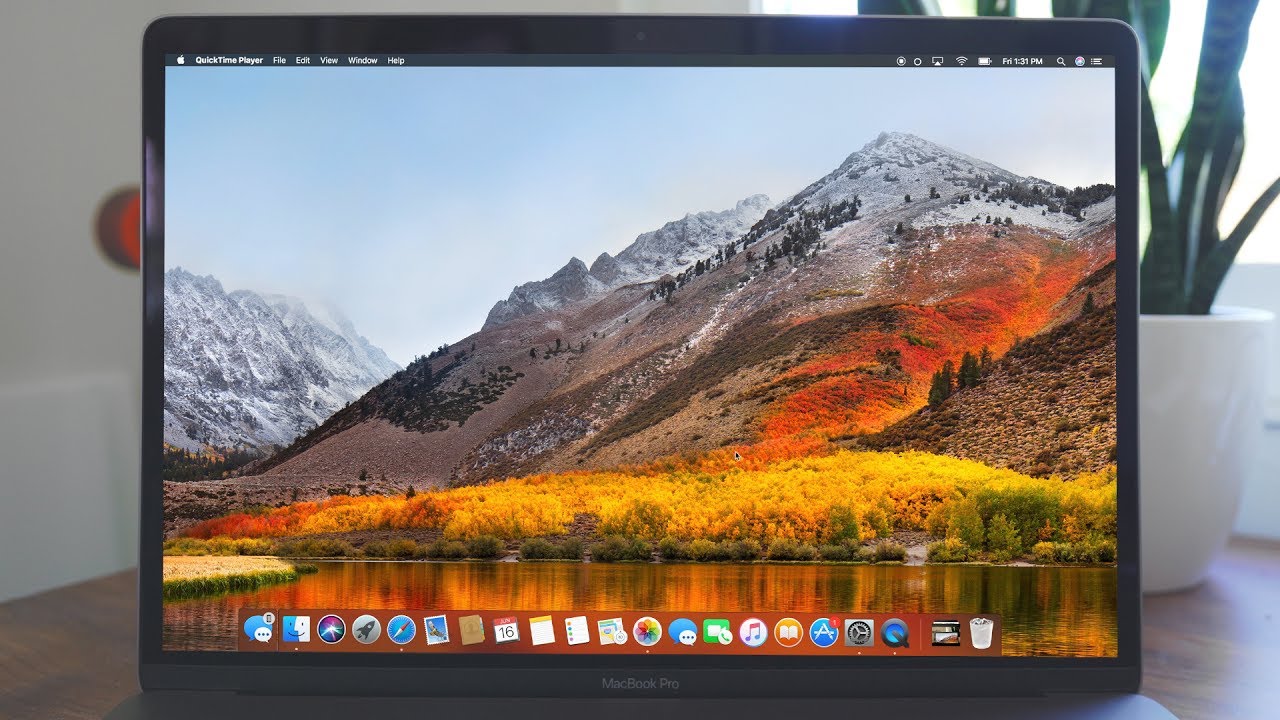

And that's it. Your Mac should now be running the macOS High Sierra Public Beta. For a complete picture of all of the new features you can expect to see when macOS High Sierra is released in the fall, make sure to check out our full macOS High Sierra roundup.


Related Forum: macOS High Sierra

Top Rated Comments

122 months ago
Step 1: Don't.
Step 2: Seriously, why would you do this? Do you not actually use your computer?
If people don’t install right away then we won’t have any dumb post asking:
Did I brick my comp?
Why is this beta so buggy?
I didn’t back up before install, how do i go back to the old os asap?
Apple why did you do this to me?
Score: 8 Votes (Like | Disagree)
MoJoRo Avatar
122 months ago
Step 1: Don't.
Step 2: Seriously, why would you do this? Do you not actually use your computer?
(This is meant for anyone who would actually need a tutorial on how to do this, obviously there are a few people out there with legit reasons to install the beta. Although most of them should have developer accounts.)
Score: 4 Votes (Like | Disagree)
Jantelagen Avatar
122 months ago
Placeholder
Score: 3 Votes (Like | Disagree)
pdaholic Avatar
122 months ago
Step 1: Don't.
Step 2: Seriously, why would you do this? Do you not actually use your computer?
(This is meant for anyone who would actually need a tutorial on how to do this, obviously there are a few people out there with legit reasons to install the beta. Although most of them should have developer accounts.)
So...you're saying I should install this on my friend's computer rather than my own? Got it.
Score: 2 Votes (Like | Disagree)
mcdj Avatar
122 months ago
I'm waiting til next year for REALLY High Sierra.
Score: 2 Votes (Like | Disagree)
Wonder Warthog Avatar
122 months ago
Well, after about years of being an Apple Public Beta Tester on my MacBook Pro, all has gone well. There have been a few bugs, but nothing that you can't get through until the newest release.

No longer.
Same here. Up until High Sierra public betas have been stable enough to use them for daily use if you're OK with some possible smaller quirks. However High Sierra completely f*cked up my system. It was asking for iCloud credentials all the time all the synching was hosed, too, then I had a few ugly crashes of the system.

First I tried to find ways to fix it, but at one point it was just way too much to keep my machine useful, so I ended up wiping the whole harddrive (yes, I was trying out APFS) repartitioned it and did a vanilla Sierra install. All back to normal now, but really you don't want to try out this public beta alpha.
Score: 1 Votes (Like | Disagree)

Popular Stories

iOS 28 AI

Apple Taking New Approach to Developing iOS 28 and macOS 28

Sunday November 8, 2026 7:42 am PST by
Apple has made a change to its development process for iOS 28, macOS 28, and corresponding software updates, according to Bloomberg's Mark Gurman. In his Power On newsletter today, he said Apple separates development of each year's new operating systems into three major stages. Typically, he said each stage consists of four weeks of coding followed by a four-week "convergence" period where...
duo aquarium

More Fun iPhone Duo Apps: 30 New Picks to Try

Friday November 6, 2026 3:27 pm PST by
When the iPhone Duo launched, we shared a list of some of the fun apps developers created for the new form factor. Two weeks out, developers are continuing to come up with fresh ideas, so we thought we'd share some of our favorites. Games Marbles Unhinged ($2.99) - Marbles Unhinged is a marble maze designed for the Duo. When you fold it, the floor turns into a ramp. If you stand the top...


apple pro tell logo

Apple Launching Five New Products Today

Thursday November 5, 2026 12:59 am PST by
Apple is launching five new products on Friday, November 6, following pre-orders that opened last week, including its first touchscreen MacBook Pro models. The following new products will be available from today: iPad mini with OLED display and A20 Pro chip iMac with M6 chip 14-inch MacBook Pro with M6 chip 14-inch MacBook Pro with OLED touchscreen 16-inch MacBook Pro with OLED...
Latest Stories
Apple Announces Türkiye Expansion Plans as Tim Cook Visits
48 minutes ago
Singapore Saved Apple $2.7 Billion in Taxes This Year
53 minutes ago
Apple Music's 2026 Artist of the Year is Olivia Dean
1 hour ago
This Could Be Your Last Chance to Pre-Order the HomeView at a Discount
2 hours ago
Some HomePod Mini 2 Buyers Returning Units Over Mac Speaker Issues
2 hours ago
MacBook Pro With PROLED XDR Display: Details You Might Have Missed
2 hours ago
Satechi Offers MacRumors Readers 30% Off Select Accessories in Early Black Friday Sale
2 hours ago
Leaker Envisions a Shorter iPhone With a New iOS Layout
3 hours ago
Apple to Give You More Control Over When Your Mac Passwords Lock
4 hours ago
Siri Is Getting a Better Memory
4 hours ago
iPhone 18e Could Feature Bigger Display and Battery
5 hours ago
Apple's Siri Boss May Leave - Here's Who Could Take Over
5 hours ago
Apple Launching Two More New Products This Friday
5 hours ago
Apple Store Subscription Sign-Up Controversy Exposed
14 hours ago
Siri AI Rumored to Become 'More Like an Agent' as Early as Next Year
1 day ago
Apple Taking New Approach to Developing iOS 28 and macOS 28
1 day ago
Early Apple Black Friday Deals on Apple Watch, MacBook Air, and More
2 days ago
'Backglow' Lets You Customize New MacBook Pro's Glowing Apple Logo
2 days ago
Top Stories: Apple Product Launches, iOS 27.3 Beta, and More
2 days ago
More Fun iPhone Duo Apps: 30 New Picks to Try
3 days ago
Hands-On With Apple's New OLED Touchscreen MacBook Pro
3 days ago
Apple Store With All-New Design Opening Soon in Southern California
3 days ago
Control the Glowing Apple Logo on Your New MacBook Pro
3 days ago
Apple Shares New 'Apple Card: Apply and Use in Minutes' Ad
3 days ago
Apple Says More Than 100,000 Apps Optimized for iPhone Duo, Here's What's Still Missing
3 days ago
Early Black Friday Deals Kickoff With Steep Discounts on Apple Watch Ultras and More
3 days ago
The MacRumors Show: iOS 27.3 Looks Like a Huge Update
3 days ago
Best Buy's Black Friday Event Begins With Sitewide Savings on Apple, TVs, More
3 days ago
Apple Releasing Yet Another Two New Products Next Week
3 days ago
MacBook Air Drops to Lowest Price in Months With Amazon's $250 Discount
3 days ago









































