

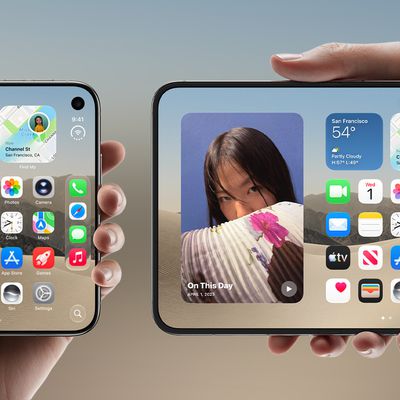
Make iPhone Duo Volume Buttons Follow Screen Rotation
Because of the iPhone Duo's foldable design, you tend to switch the orientation of the device more often than you would a regular iPhone. This makes the volume buttons shift positions a lot relative to your fingers, which can cause you to press volume up when you meant to press down, or vice versa.
To prevent this, the iPhone Duo has an option in Settings which can dynamically remap the...
Read Full Article • 49 comments
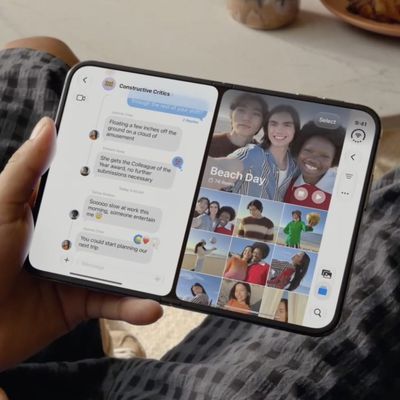
iPhone Duo: Open Two Apps Side by Side and Lock Them As an App Pair
iPhone Duo is the first iPhone that can run two apps on the screen at the same time. Unfold the phone in landscape orientation, and Split View puts two apps side by side on the 7.6-inch inner display. It's especially handy for things like keeping Messages open next to Maps, or Safari next to Notes. Indeed, if there's an app combination that you use often, you can lock two together as an app pair, ...
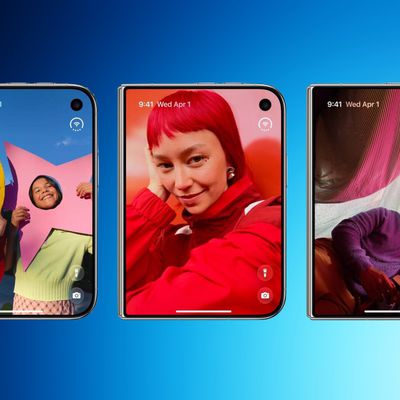
iPhone Duo: How to Skip the Swipe Up After Touch ID
Apple's iPhone Duo uses traditional Touch ID authentication instead of Face ID, with the sensor built into the side button, iPad-style. By default you have to authenticate with your finger to unlock the device, then swipe up to dismiss the Lock Screen, but there's a setting that removes the latter step. Here's how to enable it.
Use Rest Finger to Open
Assuming that you set up Touch ID when...
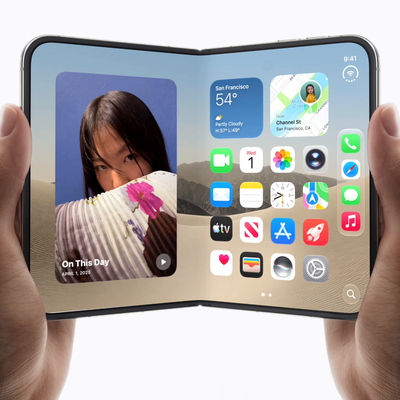
iPhone Duo Pre-Orders - How to Make Checkout Faster This Friday
Apple announced the iPhone Duo in early September at the company's "Surprise and Shine" event. Apple's first foldable is the biggest shake-up of the iPhone design in almost a decade, and it's sure to be one of the hardest devices in years to actually get your hands on. If you're keen to be among the first owners of an iPhone Duo, here are some tips on how to give yourself the best chance....

Switch Siri AI for ChatGPT on Your Mac
In macOS 27 Golden Gate, Siri AI is a lot smarter than before, so it doesn't always flail and attempt to hand your questions over to ChatGPT. However, if you still prefer OpenAI's chatbot for certain queries, you can still ask for it explicitly.
In macOS Tahoe, Siri would suggest passing a request to ChatGPT when it thought the chatbot could help. In macOS 27 though, ChatGPT only answers...
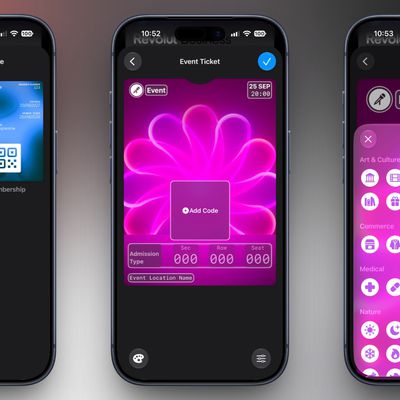
Create a Custom Pass in the Wallet App on iPhone
In iOS 27, Apple's Wallet app lets you create custom passes for things like event tickets, gift cards, loyalty cards, and more. Here's how it works.
If you have a ticket for an event and there's not a digital version available for the Wallet app, you can create one using the physical pass you have. The same goes for other cards, like a membership card, for example.
The Wallet app can use ...
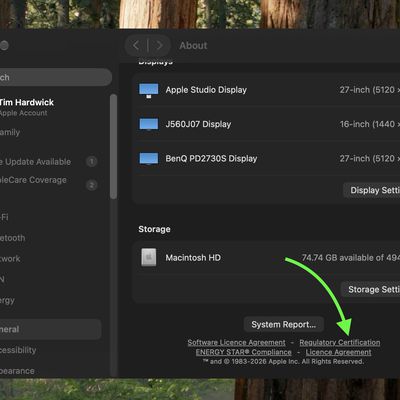
How to Check Your Mac's Manufacture Date in macOS 27
If you installed macOS 27 Golden Gate, here's a way to find out when your Mac was manufactured. Apple has restored access to information that effectively disappeared when it randomized its serial numbers a few years ago.
On your Mac, go to System Settings ➝ General ➝ About, then click "Regulatory Certification" under the System Report button. The certificate will show with a new "Date of...
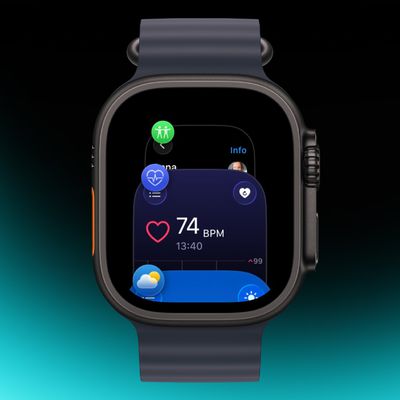
Quickly Switch Apps on Apple Watch in watchOS 27.2
In watchOS 26 and earlier versions, a double press of the Digital Crown would bring up the App Switcher, where you could easily switch to the last-used app and view and open other recently used apps. That's no longer the case in watchOS 27.2, available now.
The Digital Crown double-press gesture has been reserved for Apple's upcoming Live Rewind AI feature (expected to arrive on Apple Watch...
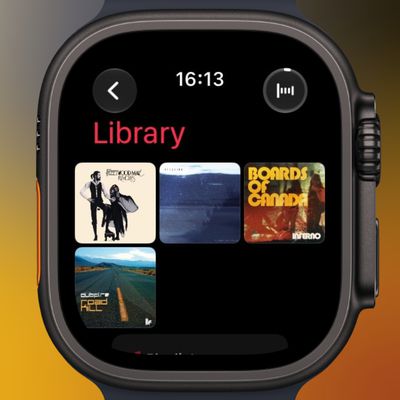
Pin Music to the Top of Your Apple Watch Music Library
If you have an Apple Watch running watchOS 27 and you're an Apple Music subscriber, you can pin music to the top of your library to make it easier to find and play – great for those times when you're in the mood for a specific track, artist, album, or playlist.
In the Music app on your Apple Watch, when viewing a song, tap the three dots next to the song, then tap Pin [item]. You can also do...

Force Quit Apple Watch Apps in watchOS 27.2
Prior to watchOS 27, the easiest way to force quit Apple Watch apps was by swiping across them in the App Switcher screen, but getting to it has changed because the Digital Crown double-click gesture that got you there is now reserved for Apple's upcoming Live Rewind AI feature. Fortunately, the Apple Switcher is still available in watchOS 27.2
From the app you want to quit, press and hold the ...
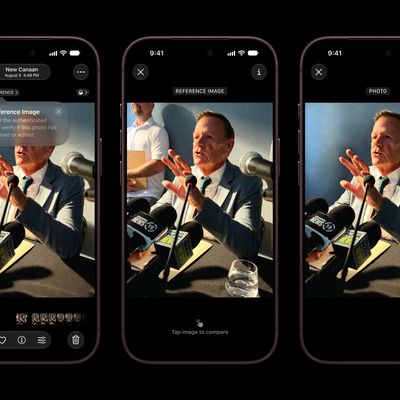
Apple Reference Image on iPhone 18 Pro: What It Does and How to Use It
Apple's latest iPhone 18 Pro models support something called Apple Reference Image – a way to verify that a photo was taken with an iPhone and hasn't been edited. The method can be used to prove that something actually happened and wasn't AI-generated. Apple likens the feature to a digital film negative.
You can use Apple Reference Image to save and share additional data to verify the...
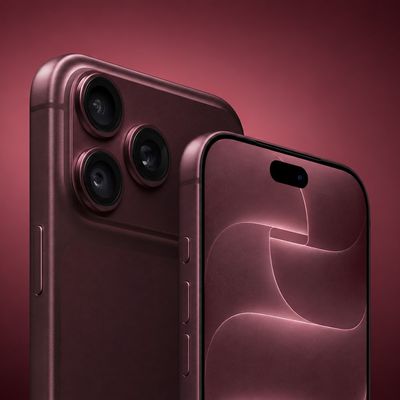
Hard Reset or Force Restart Your iPhone 18 Pro
Apple's new iPhone 18 Pro and iPhone 18 Pro Max models come in the same sizes as 2026's equivalents. What's common among these new models is that they come with an all-screen design, Dynamic Island, an Action button, and Camera Control.
As such, the method of hard resetting or force restarting hasn't changed from the previous series. Still, if you're upgrading from a device with a Home...
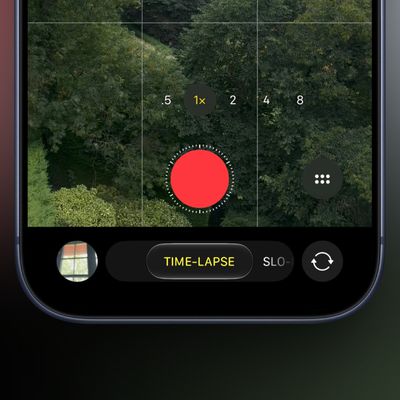
iPhone 18 Pro: Record Time-Lapse Videos in 4K With Adaptive Mode
With the launch of the iPhone 18 Pro models and iPhone Duo, Apple has introduced several new camera features, including the ability to record time-lapse videos in 4K resolution.
Up until now, time-lapse videos shot in Apple's native Camera app have only been 1080p. Now with a 4K option on iPhone Duo and iPhone 18 Pro models that supports Dolby Vision HDR, time-lapses are recorded in the same ...
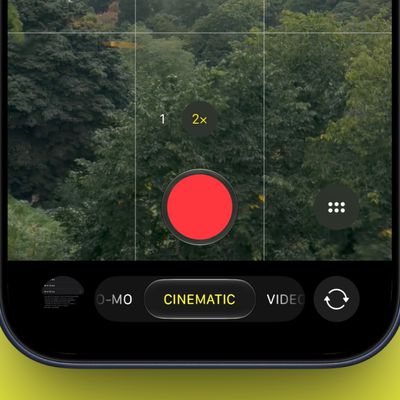
iPhone 18 Pro: Apply Cinematic Effects to 60fps Video
For the iPhone 18 Pro and iPhone 18 Pro Max, Apple expanded the recording options when shooting in Cinematic Mode. This article explains what Cinematic Mode is and how to enable the new higher 4K resolution setting at 60 frames per second.
Cinematic Mode utilizes Dolby Vision HDR and a technique called "rack focus" to seamlessly shift the focus from one subject to another when you're...
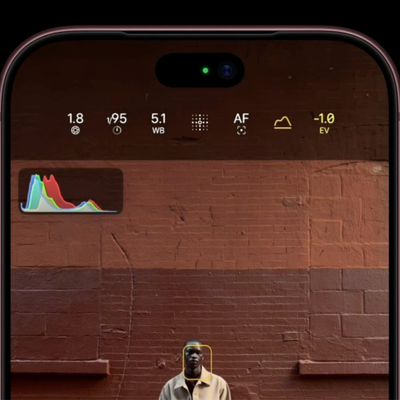
iPhone 18 Pro Camera Controls: Using the New Histogram
On iPhone 18 Pro and iPhone 18 Pro Max, Apple's new Pro controls in the Camera app allow you to adjust various aspects of the camera's settings, turning the app into a much more flexible photography tool. Here we explain how to use the live Histogram on the new iPhone 18 Pro models, and why you might want to do so.
On iPhone 18 Pro models, you can check the exposure across the frame while...
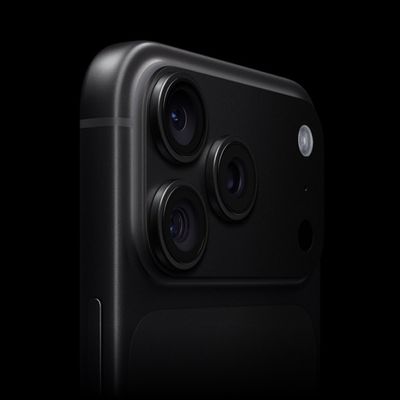
iPhone 18 Pro Camera Controls: Adjusting Shutter Speed
On iPhone 18 Pro and iPhone 18 Pro Max, Apple's new Pro controls in the Camera app allow you to adjust various aspects of the camera's settings, turning the app into a much more flexible photography tool. Here we explain how to adjust the shutter speed on the new iPhone 18 Pro models, and why you might want to do so.
On iPhone 18 Pro, the new Pro Controls expand what you can adjust in the...
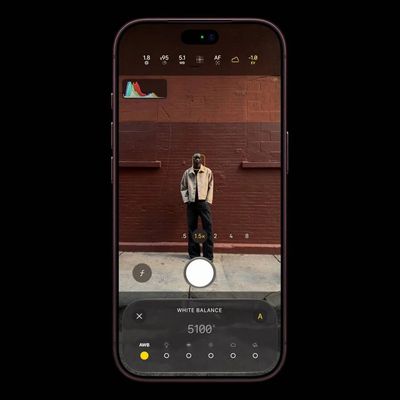
iPhone 18 Pro Camera Controls: Adjusting White Balance
On iPhone 18 Pro and iPhone 18 Pro Max, Apple's new Pro controls in the Camera app allow you to adjust various aspects of the camera's settings, turning the app into a much more flexible photography tool. Here we explain how to adjust the white balance on the new iPhone 18 Pro models, and why you might want to do so.
On iPhone 18 Pro, the new Pro Controls expand what you can adjust in the...

iPhone 18 Pro: Use Texture Controls in Photographic Styles
With Apple's latest iPhone 18 Pro models and iPhone Duo, you can adjust not only specific colors in certain parts of your photos, but also their texture and grain, thanks to the latest-generation Photographic Styles 3. Here's how to use them.
Photographic Styles are tone presets that adjust the color and warmth of a photo as it is captured, rather than as a filter applied afterward, while...
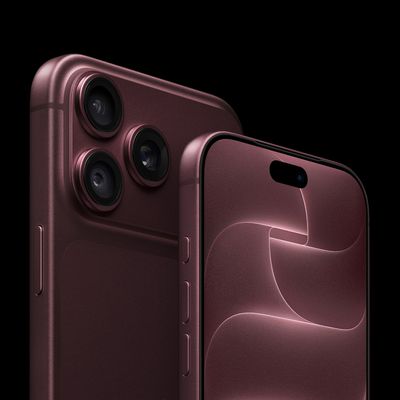
iPhone 18 Pro: Using the New Variable Aperture Lens
Like the iPhone 17 Pro models, the new iPhone 18 Pro and iPhone 18 Pro Max have three rear cameras – a 48MP Fusion Main lens, an 8x48MP Telephoto lens, and a 48MP Ultra Wide lens. They also share the same focal lengths and resolutions as their predecessors. The big upgrade this year though is the new variable aperture on the Main camera. Let's dive in.
Aperture is what controls how much...

Tint App Icons to Match Your New iPhone 18 Pro Color
In iOS 26, Apple added a feature to its Home screen customization options that can match the color of your app icons with the actual color of your iPhone. The image below demonstrates the effect on last year's iPhone 17 Pro in Cosmic Orange.
In iOS 18, Apple introduced Tinted app icons. The option applies a color filter over app icons, widgets, and even system UI elements, and with iOS 26,...














